
Android Studio
Krowdbase ShortlistA software suite to create apps for Android devices, including a visual layout editor, an intelligent code editor, and more tools.
What is Android Studio?
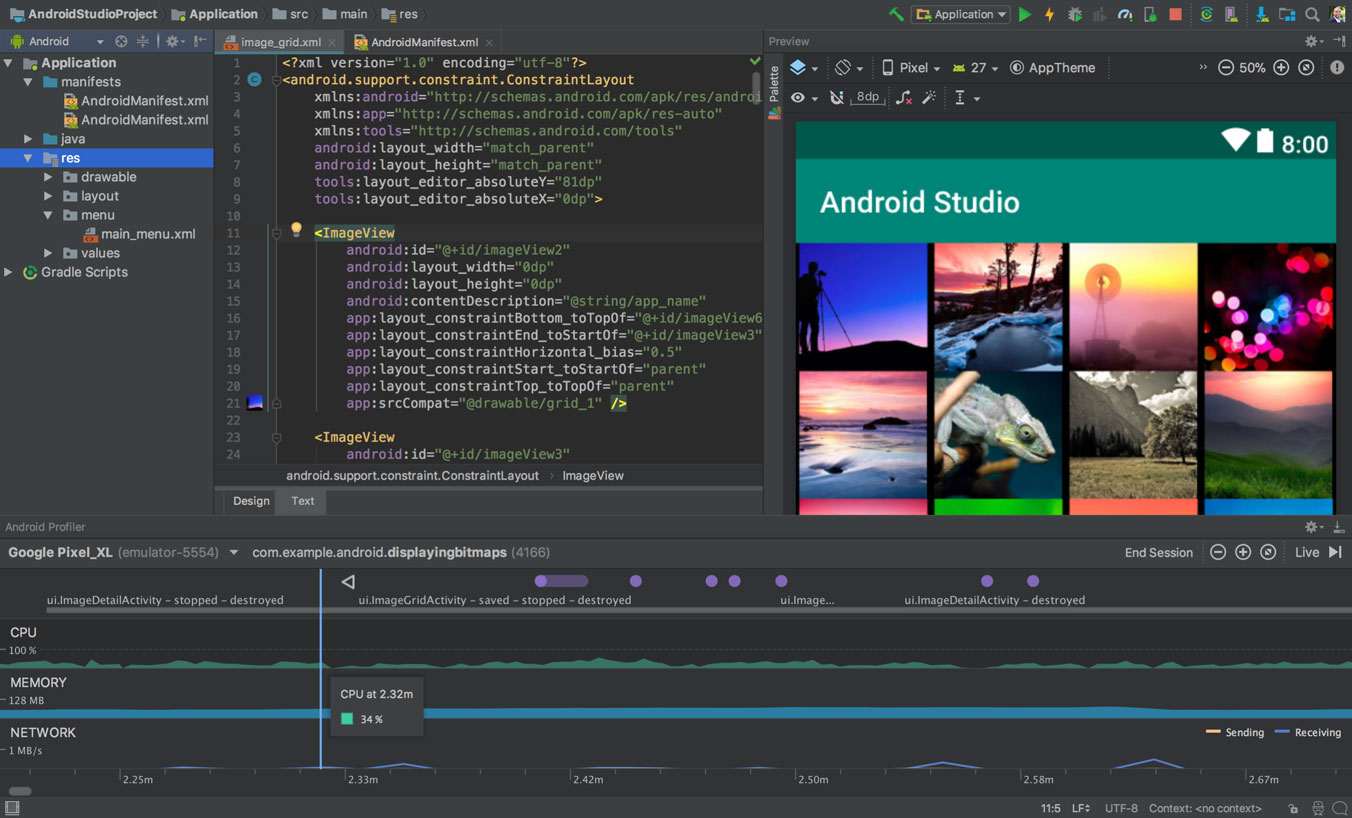
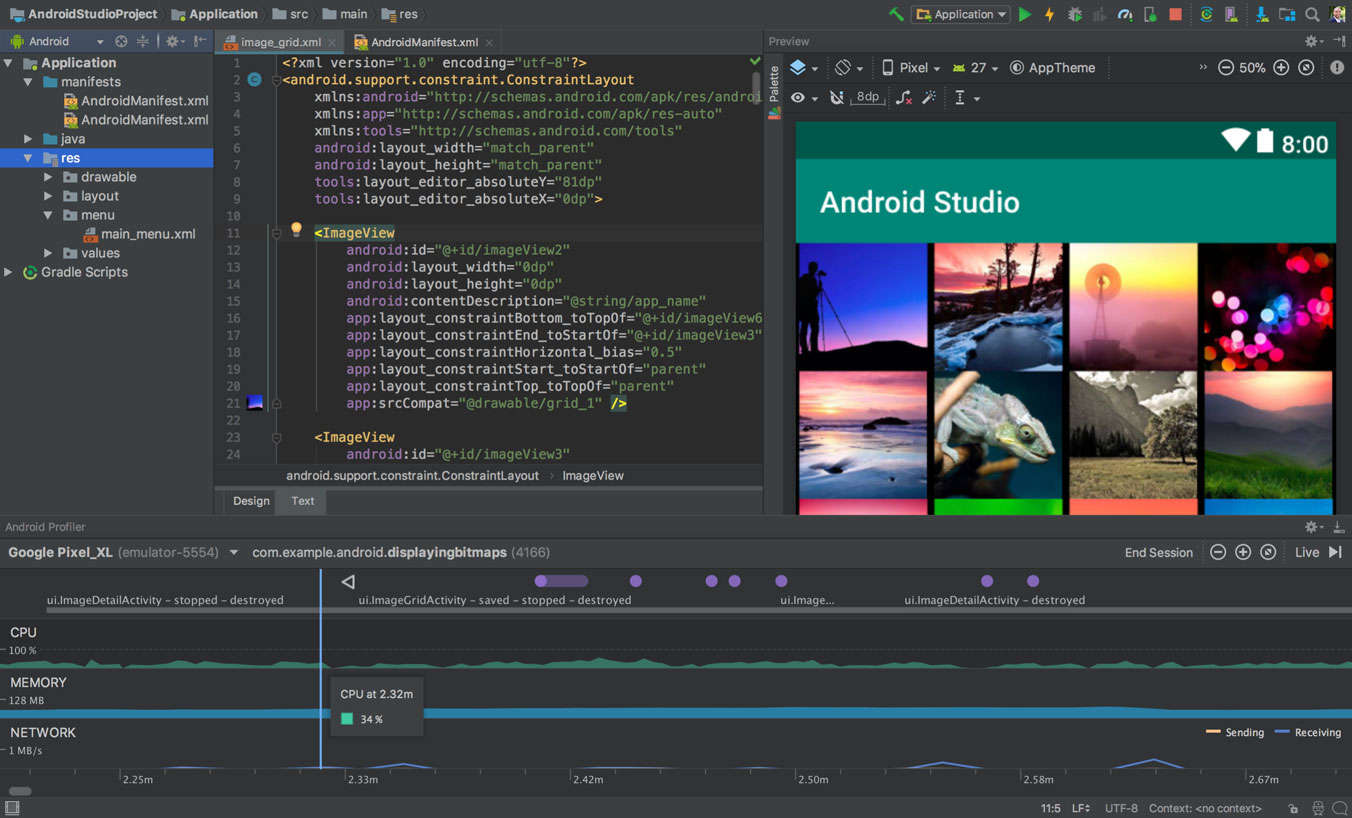
Android Studio offers a selection of tools that helps developers create mobile applications more quickly and use them on any official Android device. It includes project and code templates designed to help simplify creating, testing, and emulating app processes for developers. It features a flexible build system that allows developers to customize apps in a variety of ways. Using Android Studio's cross-platform support, developers can simultaneously edit and debug apps developed with multiple programming codes. Android Studio also offers several visual editors that are designed to help streamline app development processes.
Screenshots
Features
Debugging
Graphical User Interface
Integrated Development Environment
FAQ
The official website of Android Studio is https://developer.android.com/studio
Android Studio belongs to the Application Development, Source Code Management category.
Android Studio offers features such as Debugging, Graphical User Interface, Integrated Development Environment.
No, Android Studio does not offer a free trial.
Need help choosing this software?
Have questions about features, pricing, integrations, or implementation? Send an enquiry to the vendor and get the information you need.