
Manula
Manula is an online platform for publishing documentation that can be read online or downloaded as a PDF file.
What is Manula?
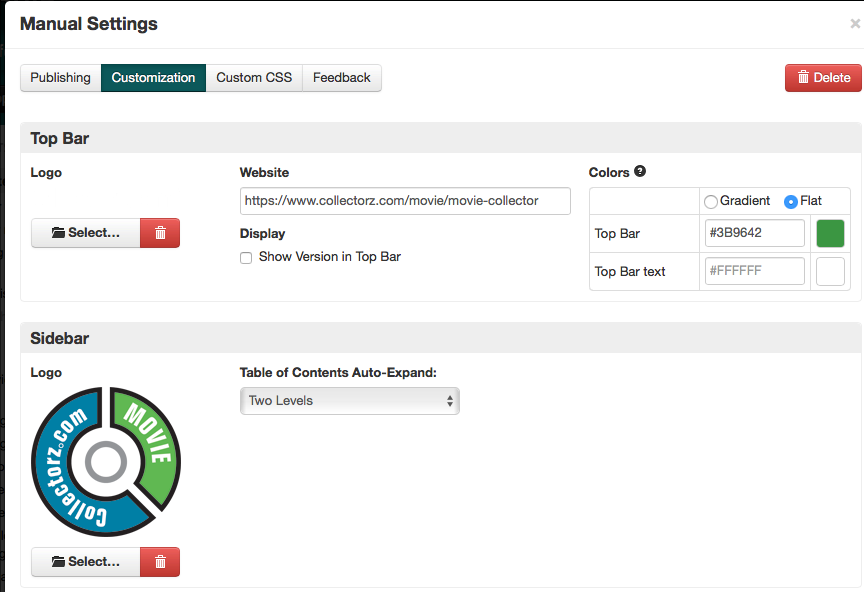
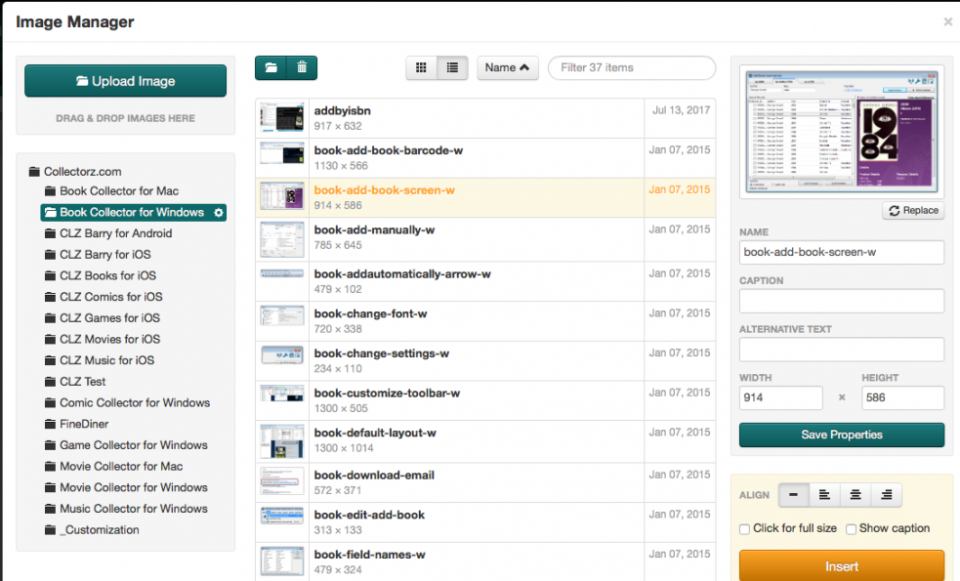
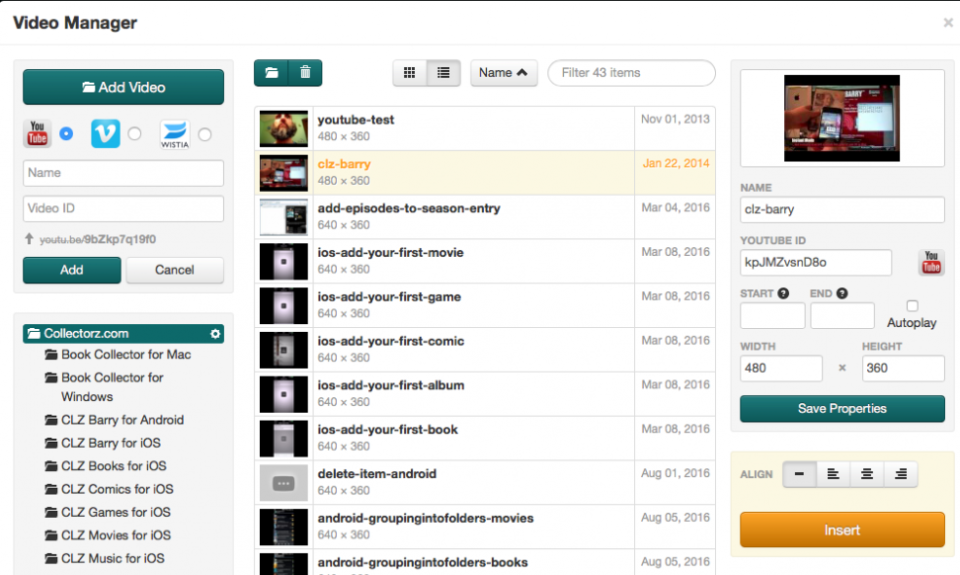
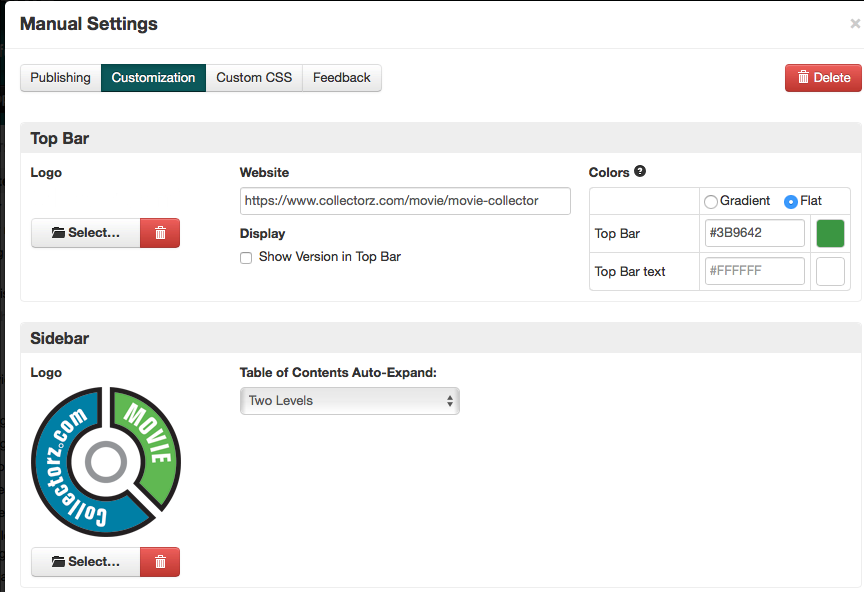
Manula offers organizations the possibility to publish manuals and other documentation online. The documents are compiled using an editor with version management. It is possible to adapt the documentation to the corporate identity of an organization. Documents can be published on the platform's website or on the company's own website. It is possible to provide the documents with internal and external hyperlinks, images, videos and fold-out lists. It is not possible to upload documentation.
Screenshots

Categories
Features
FAQ
The official website of Manula is https://www.manula.com/
Manula offers organizations the possibility to publish manuals and other documentation online. The documents are compiled using an editor with version management. It is possible to adapt the documentation to the corporate identity of an organization. Documents can be published on the platform's website or on the company's own website. It is possible to provide the documents with internal and external hyperlinks, images, videos and fold-out lists. It is not possible to upload documentation.
Manula belongs to the Document Generation category.
Manula offers features such as Multiple Output Formats.
No, Manula does not offer a free trial.
Pricing
Starting at:
USD 9.95
Free Trial Available
Reviews(0)
Write a reviewManula alternatives

Google Workspace
Google Workspace's word processing for teams. Work on a single document with team members or people outside your company. See edits as others type, communicate through built-in chat and ask questions by including comments. Create, edit and share...load more

monday.com
monday.com helps small businesses manage projects, tasks, and workflows with customizable boards. Its popular in marketing, IT services, and software services, especially among administrative and creative teams. Users value its team collaboration...load more

Adobe Acrobat
Create, edit, convert, sign, and combine documents with Adobe all-in-one PDF and e-signature solution.

Microsoft Word
Microsoft Word allows users to create, edit, save and share documents using its cloud-based word processing software. In addition to being able to create new documents, Microsoft Word allows users to also open existing files and change them as...load more

Jotform
Jotform helps small teams automate forms and surveys with customizable fields, mobile signatures, and survey logic. Its widely used by administrative roles across nonprofits and education. While PDF formatting and task tracking pose challenges,...load more

iLovePDF
iLovePDF makes editing PDFs easy. You can edit existing text, change fonts, colors, sizes, and format your documents exactly as you need. It part of a complete toolkit with over 25 PDF toolso along with editing, you can also convert, compress,...load more

PandaDoc
PandaDoc helps small businesses manage contracts, proposals, and e-signatures with speed and consistency. It stands out for its drag-and-drop document builder and multi-party signing, though editing sent documents can be limiting. Advanced features...load more

pdfFiller
pdfFiller is a cloud-based platform with a comprehensive digital toolkit that makes handling PDFs easy. Edit, sign, store, manage, and collaborate on documents all in one place o downloads, switching apps, or paying for multiple subscriptions...load more

Smallpdf
Smallpdf is a browser-based PDF tool used mainly by small businesses in education, IT services, and software services. It stands out for fast PDF conversion and drag-and-drop simplicity. Users rely on it for merging, editing, and signing documents,...load more

Publuu
With Publuu, you can easily and intuitively create an interactive flipbook from PDF. Convert a PDF to flip book in seconds. Customize it by adding your branding, selecting background, colors and inserting interactive hotspots. Make your flipbook...load more