
MultiDrive
High-speed disk management toolkit for Windows.Backup, clone, erase and restore entire drives with ease. Free CLI support included.
What is MultiDrive?
MultiDrive is a disk management software that enables users to backup, clone, restore, and securely erase drives on Windows systems. The application offers multiple backup formats including ZIP and RAW, supports hash verification for data integrity, and allows users to create exact replicas of drives. MultiDrive includes a command line interface for automation and scripting capabilities, making it suitable for those who need to perform batch operations. The software supports parallel drive operations, allowing multiple disk tasks to run simultaneously while monitoring progress from a central dashboard. Users can pause and resume operations for seamless task completion. The interface is designed to be accessible for beginners while providing advanced functionality through the CLI. MultiDrive supports full drive backups, partial drive operations, and secure wiping with custom hex pattern options.
Screenshots
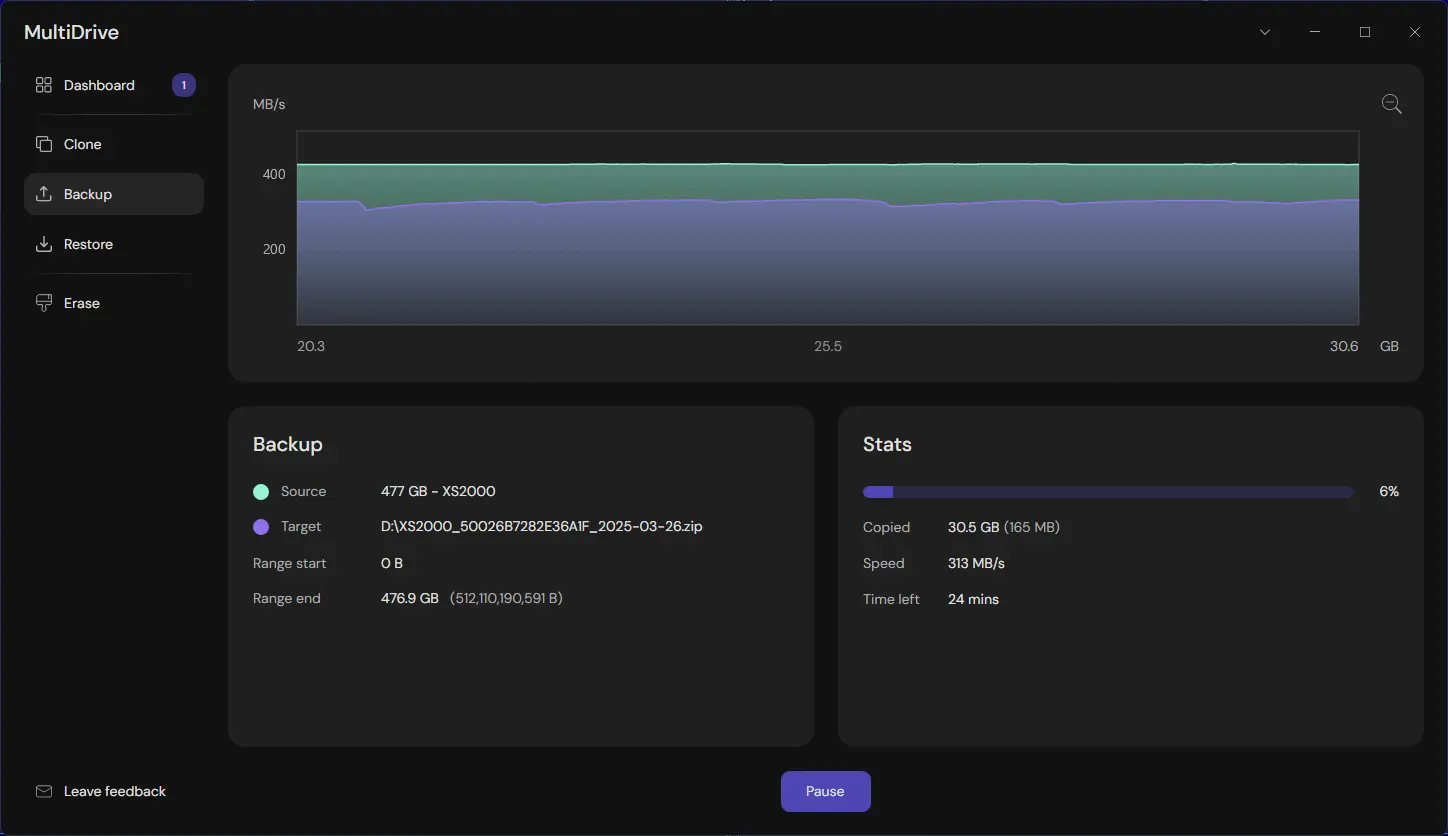
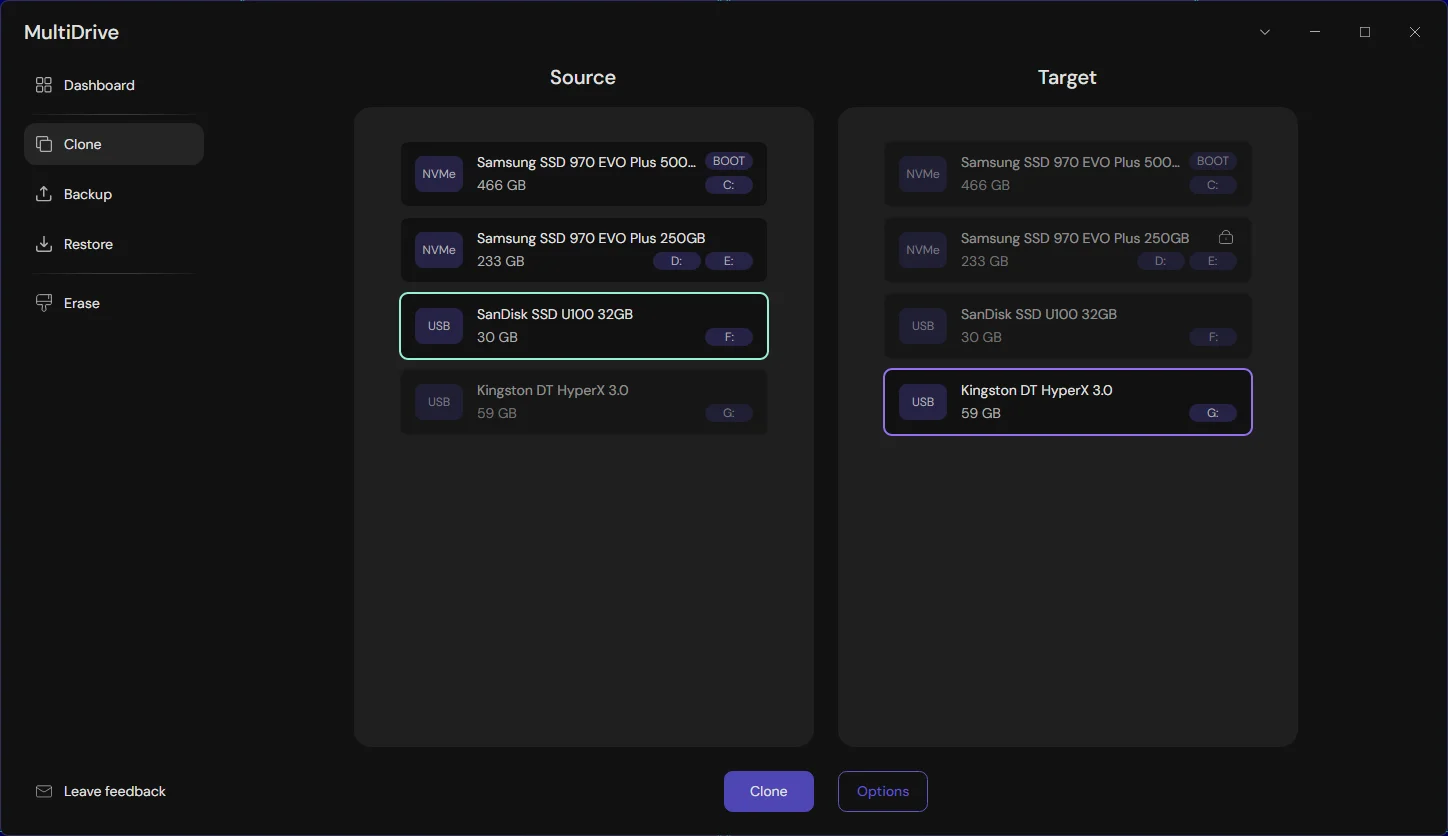
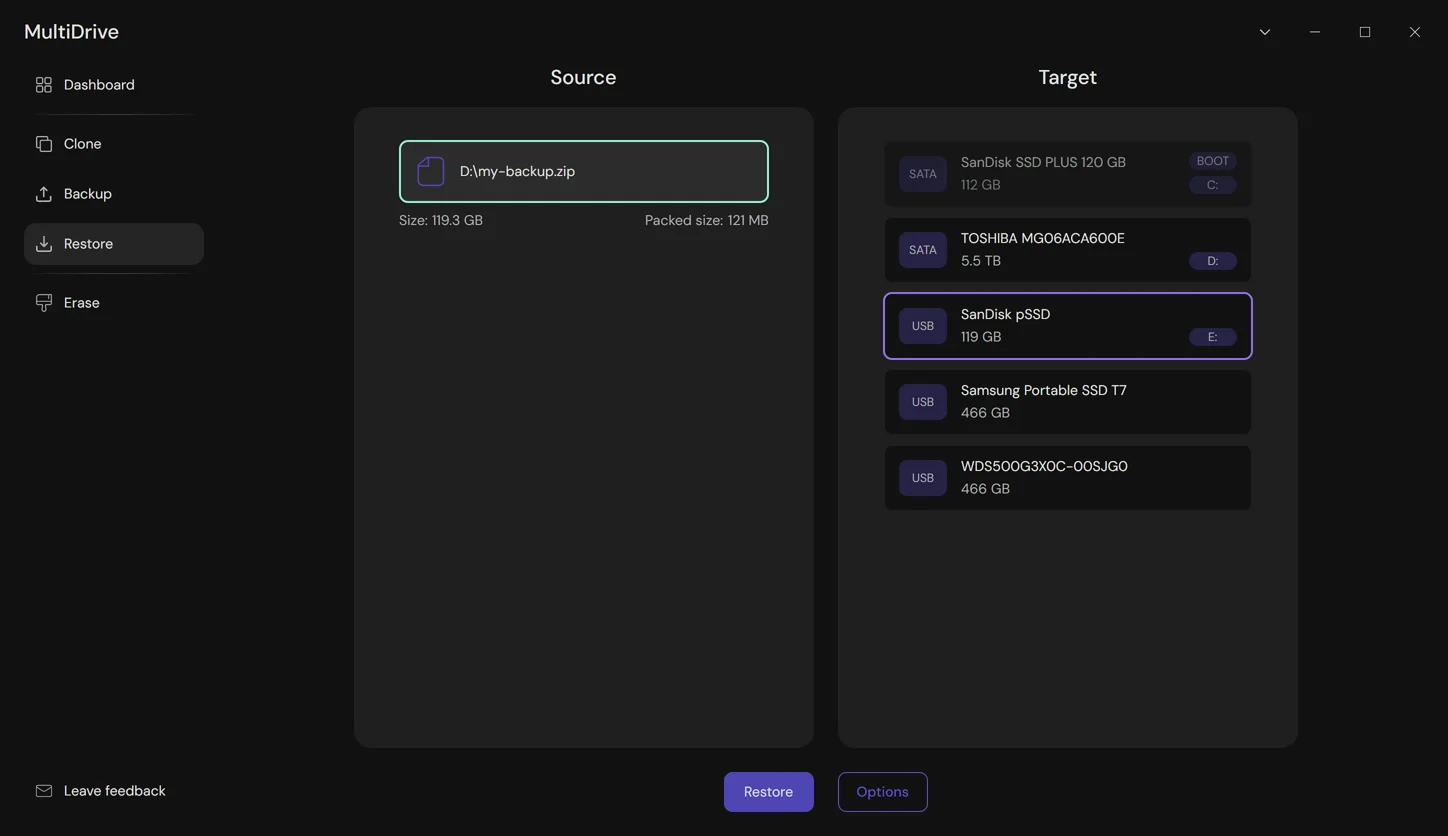
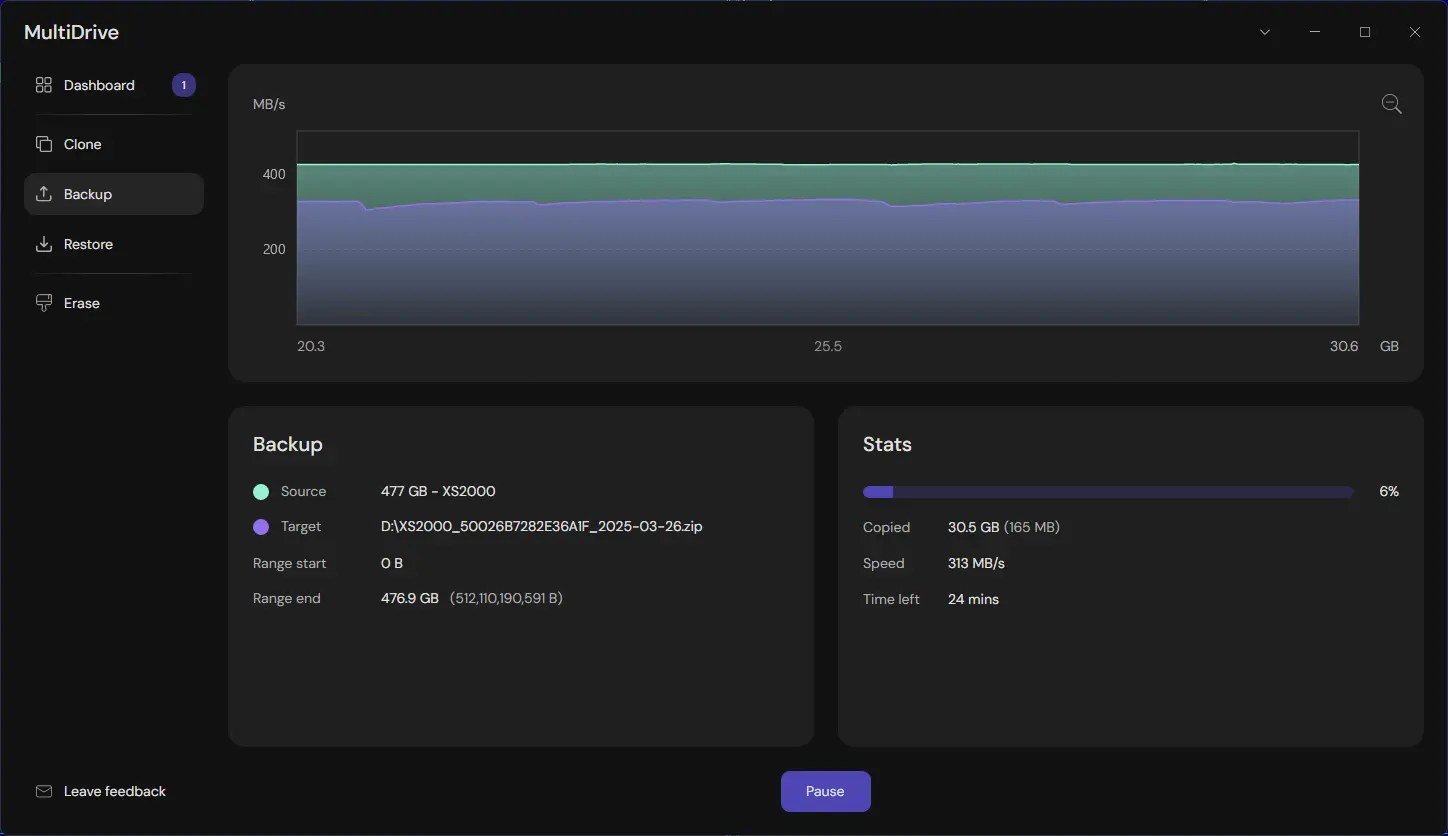
Features
Secure Data Storage
Backup and Recovery
Data Replication
Disaster Recovery
FAQ
MultiDrive belongs to the Backup, Disaster Recovery category.
MultiDrive offers features such as Secure Data Storage, Backup and Recovery, Data Replication, Disaster Recovery.
No, MultiDrive does not offer a free trial.
Need help choosing this software?
Have questions about features, pricing, integrations, or implementation? Send an enquiry to the vendor and get the information you need.