
QuikFlow
QuikFlow helps users to create flowcharts with a mind mapping workflow. Start now to structure your creativity.
What is QuikFlow?
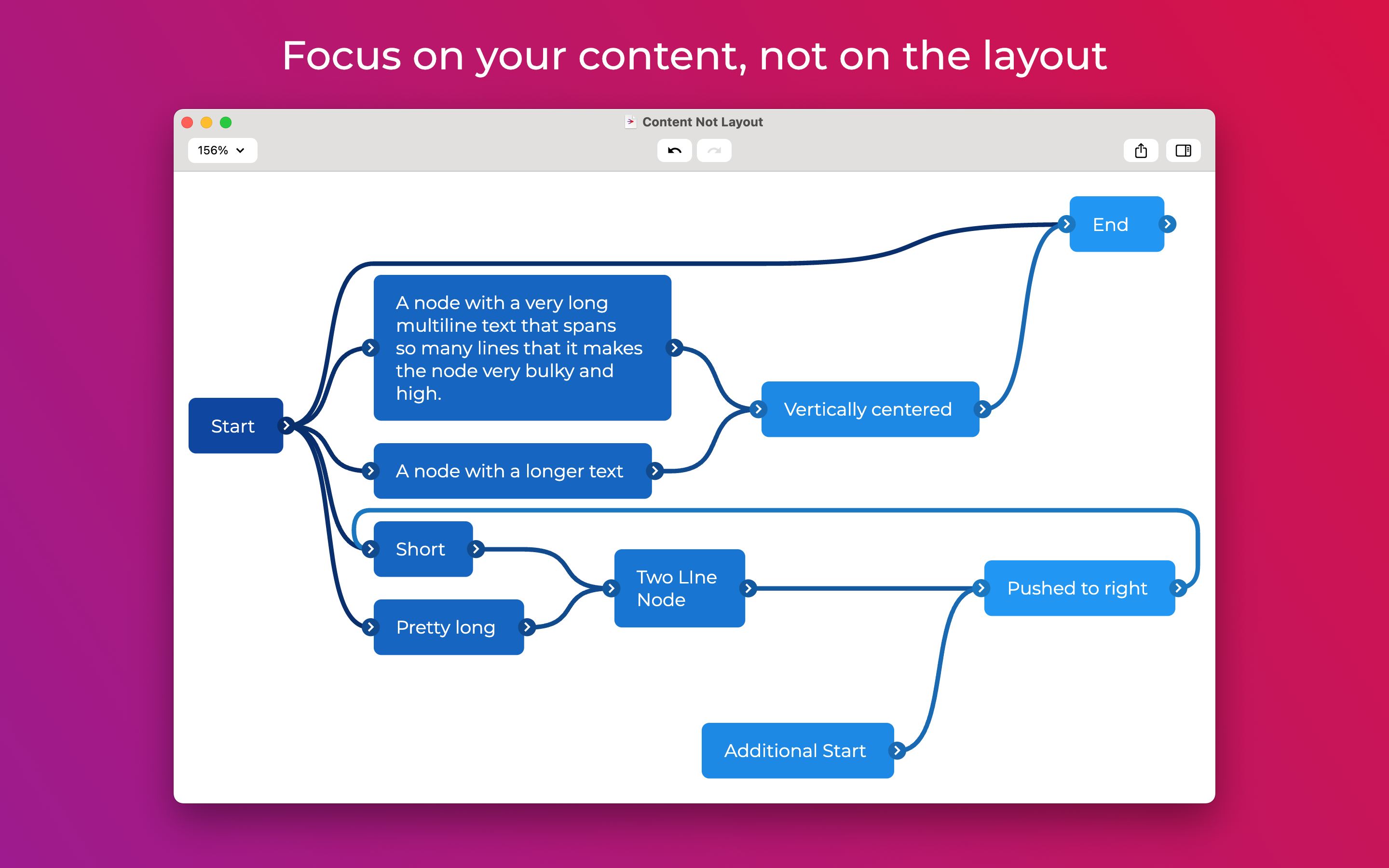
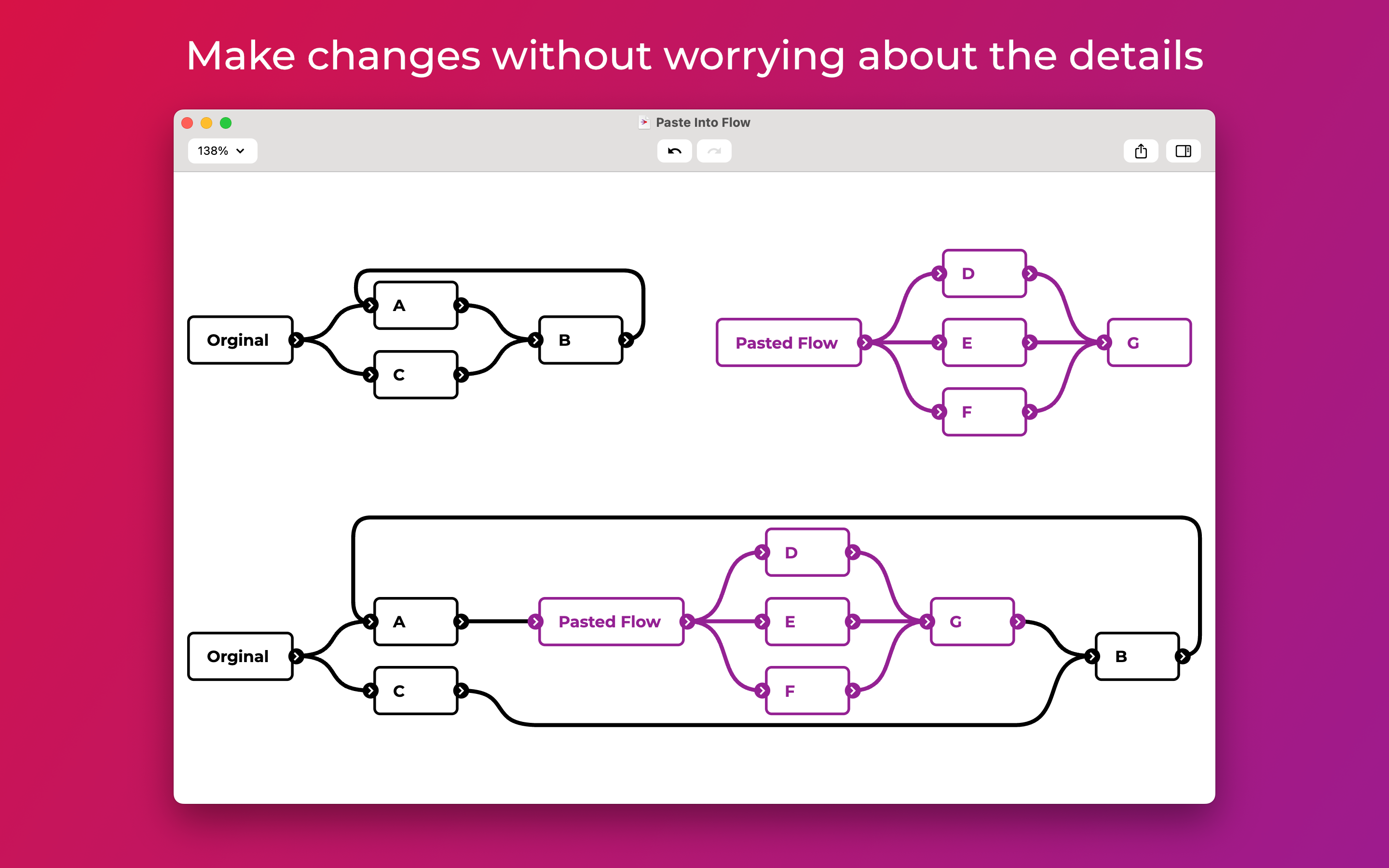
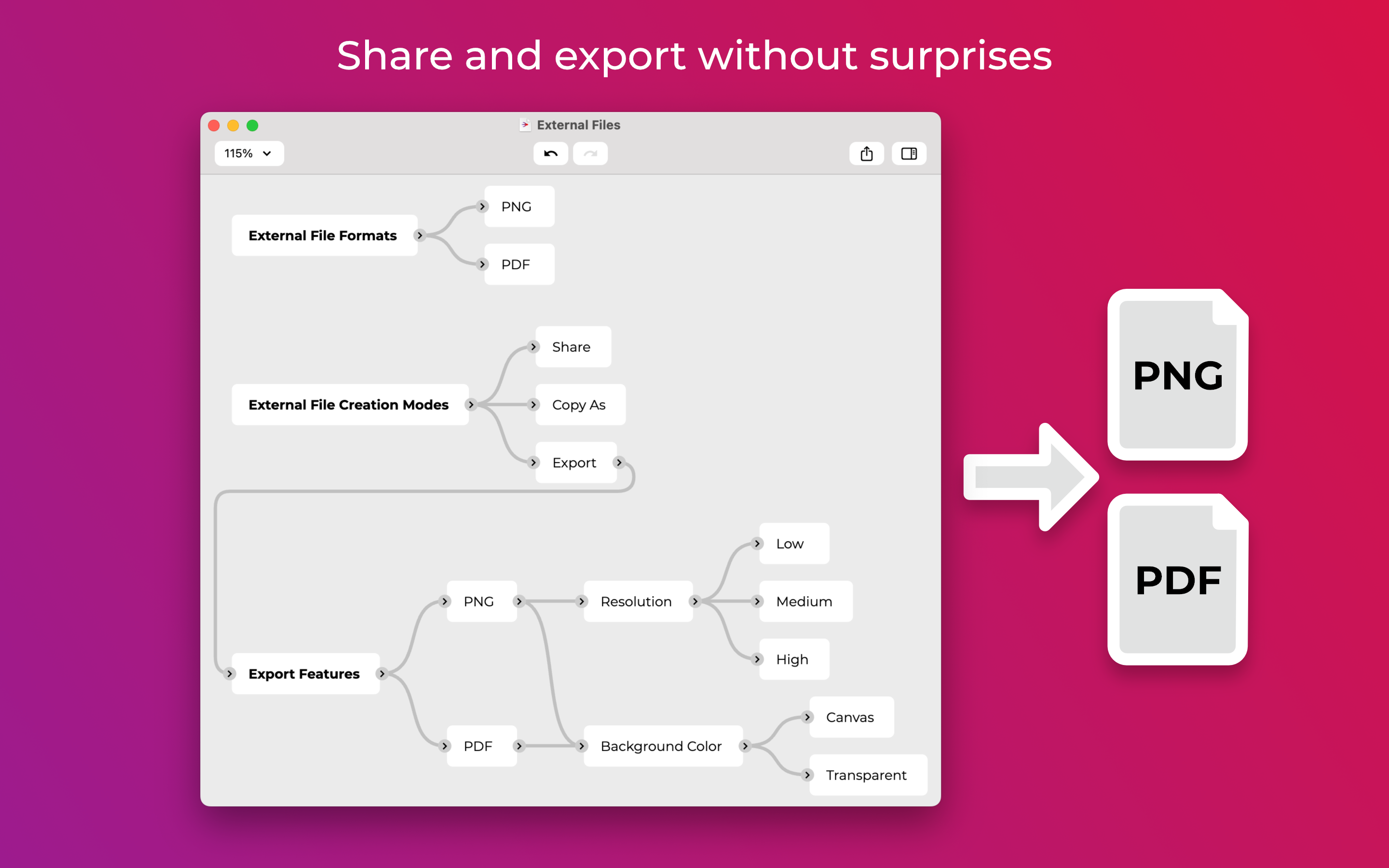
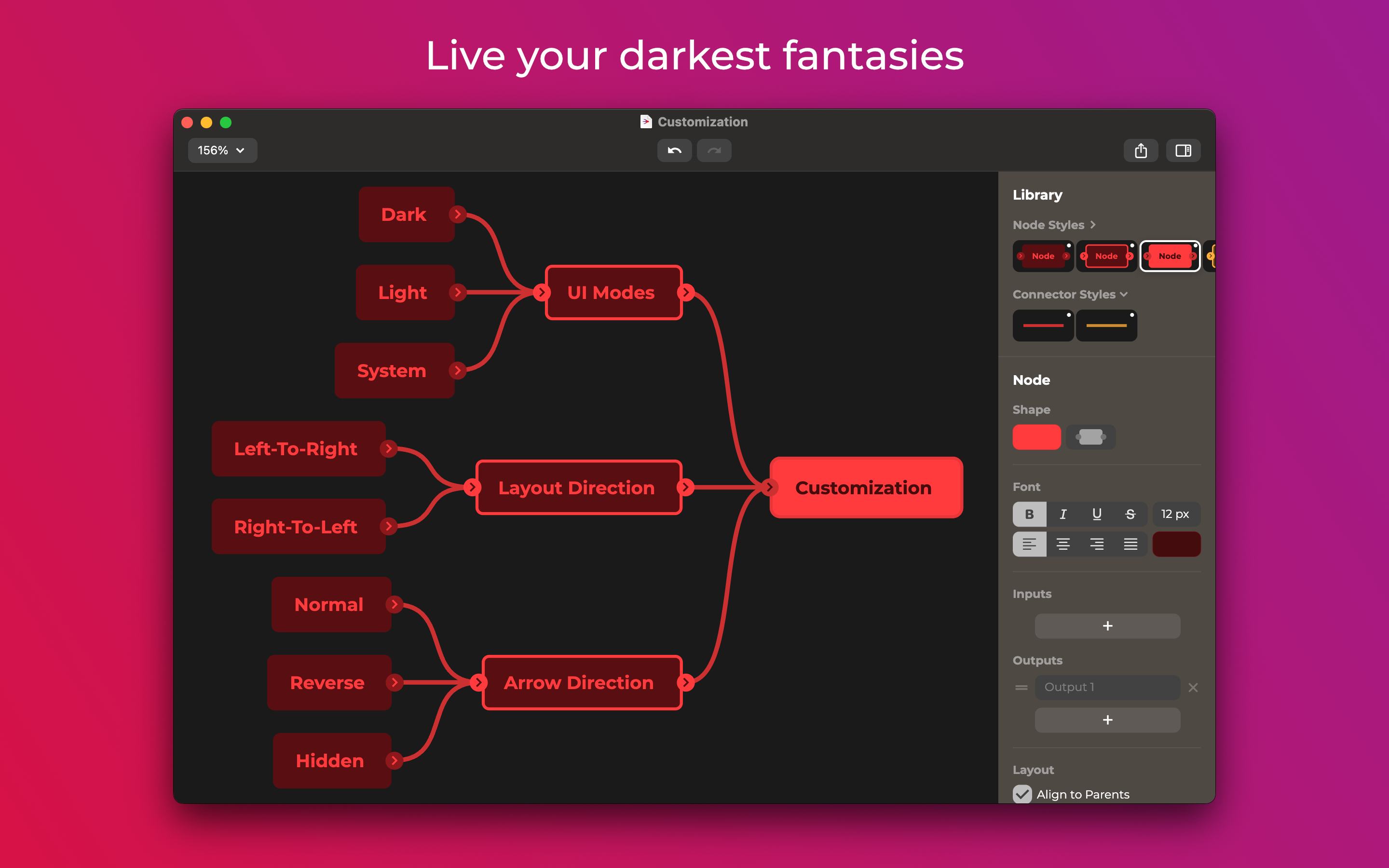
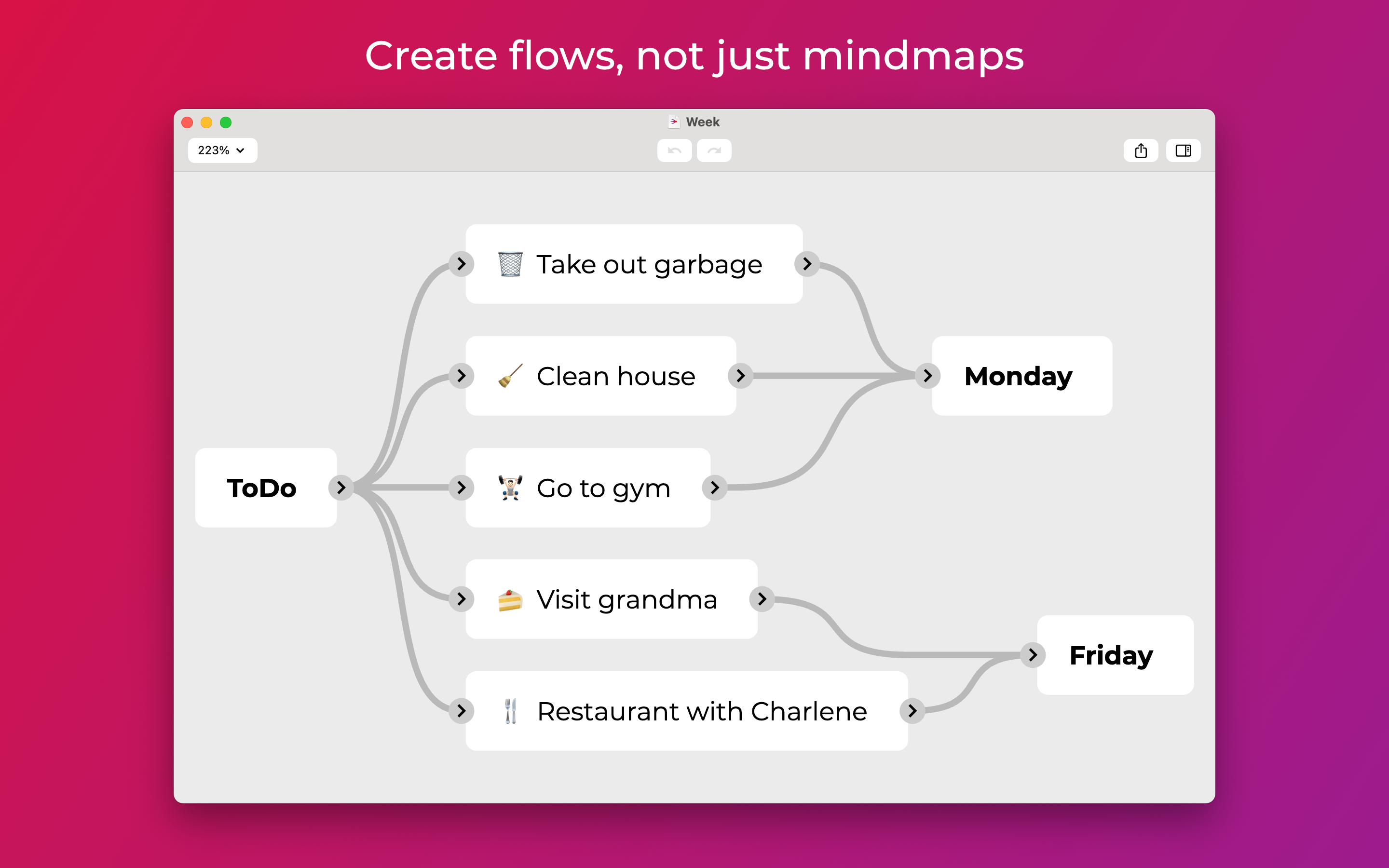
QuikFlow allows users to create flowcharts with the workflow of mind maps. The intuitive and easy-to-learn user interface allows users to focus on content rather than formatting. The layout of a flow adapts whether new nodes are inserted or changed, parts are moved, copied or deleted. Most of the features are available in the free version, which is available on the Mac App Store and the Microsoft Store. QuikFlow Pro offers even more options of design. Different node shapes, color variety and multiple Input/Output options allow users to structure their ideas. Check out the App Store and Microsoft Store for more information.
Screenshots
Categories
Features
Diagramming
Process Modeling & Designing
FAQ
The official website of QuikFlow is https://www.coneno.de/
QuikFlow belongs to the Flowchart category.
QuikFlow offers features such as Diagramming, Process Modeling & Designing.
No, QuikFlow does not offer a free trial.
Pricing
Starting at:
€29.99/one time
Free Trial Available