
RoboCopy GUI
RoboCopy GUI is a visual interface for RoboCopy that enables users to queue, monitor, and log file copy jobs.
What is RoboCopy GUI?
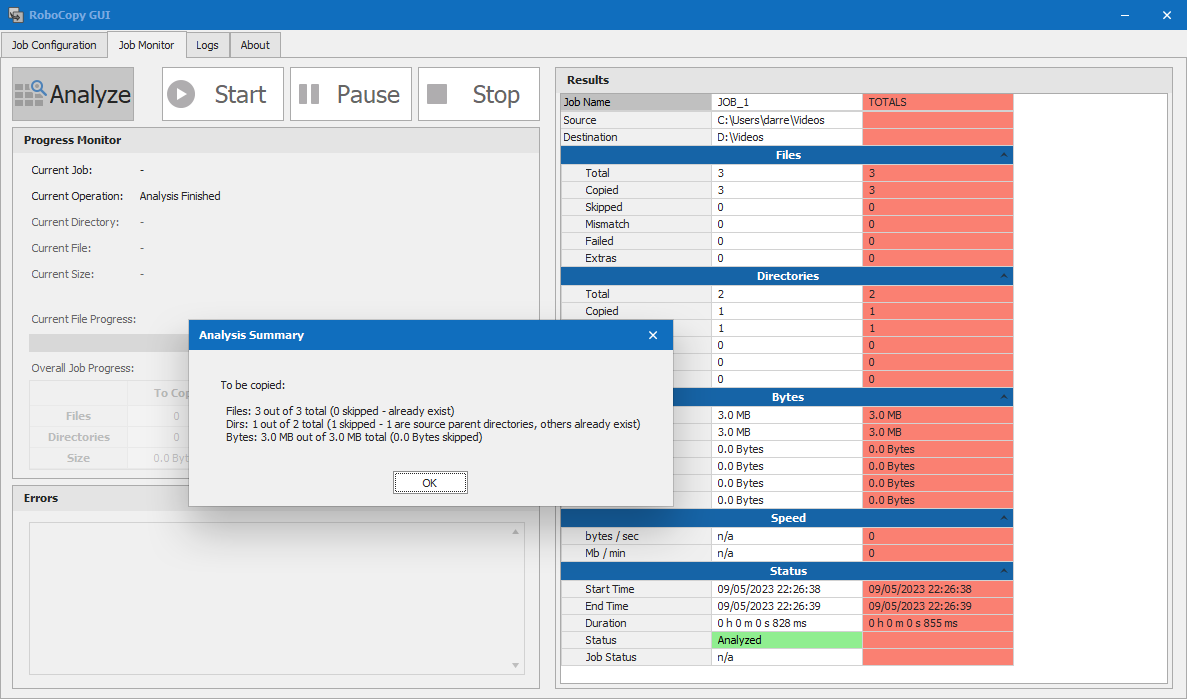
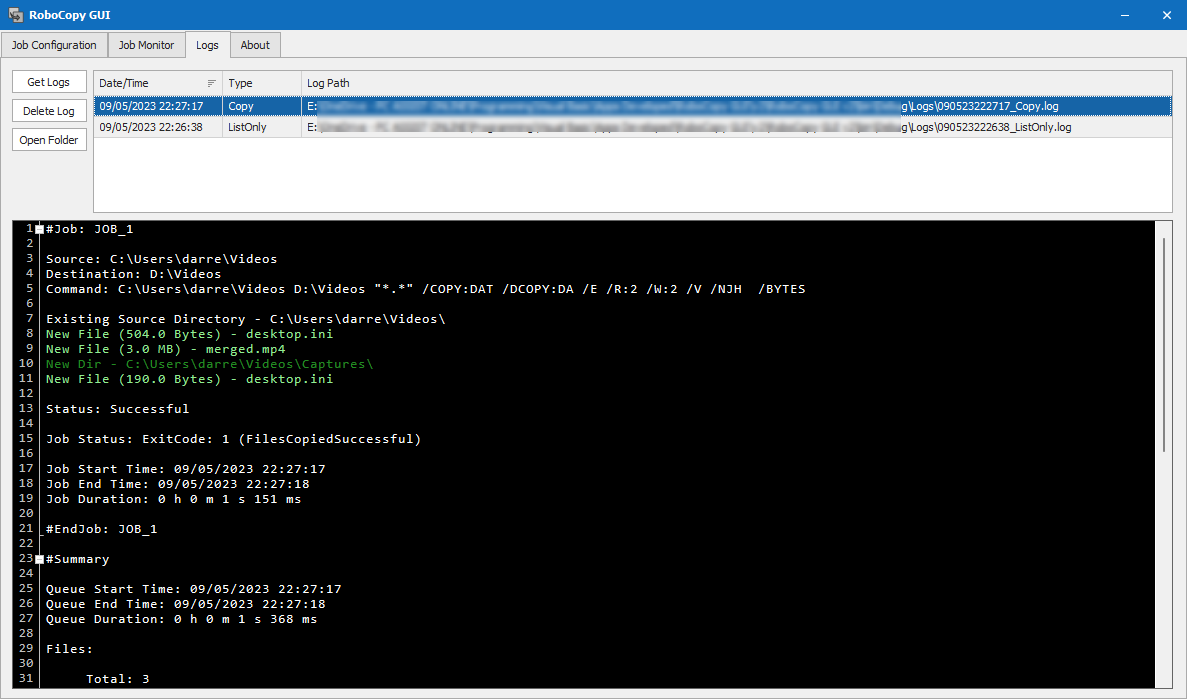
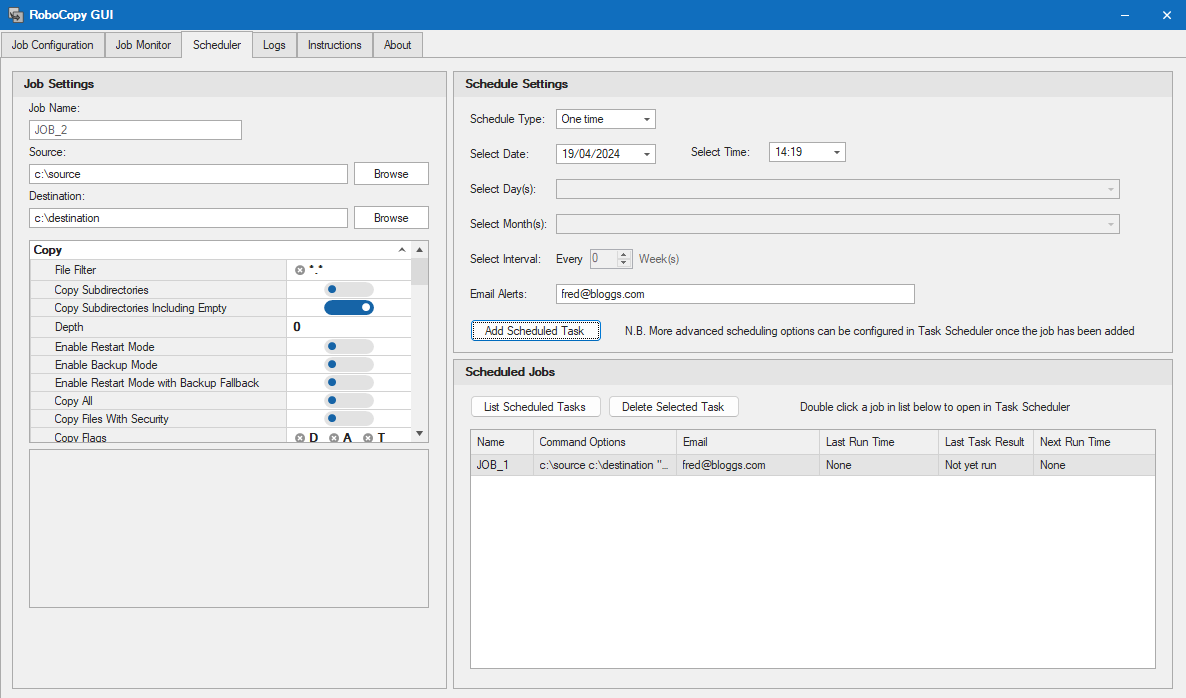
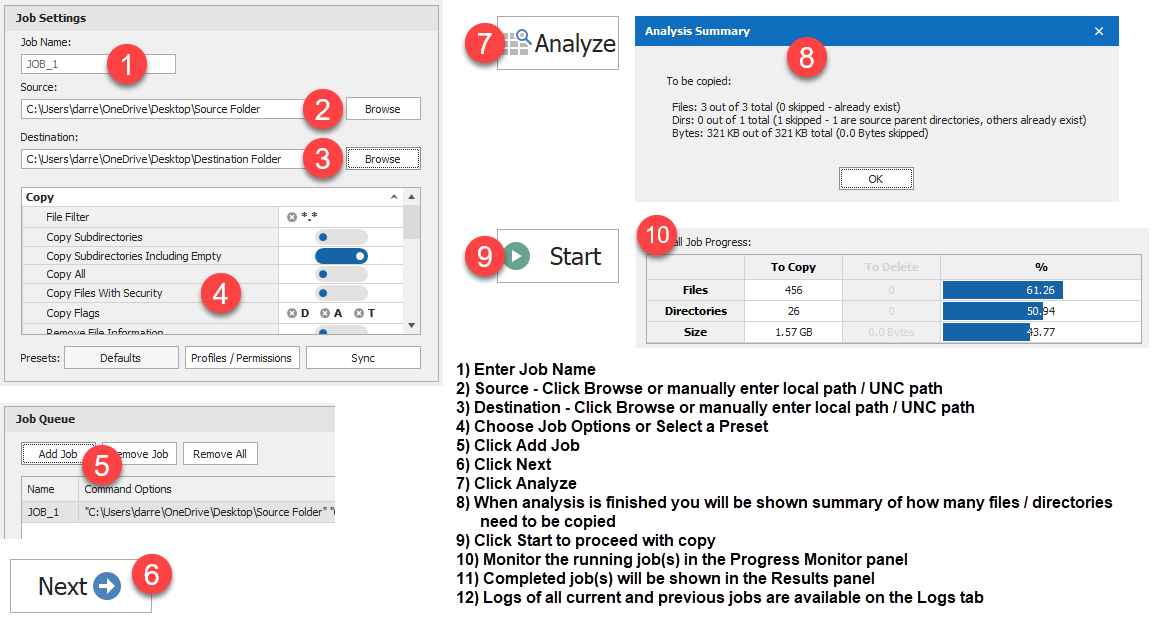
RoboCopy GUI is a visual interface software for the file replication tool RoboCopy. It provides a graphical user interface to queue, configure, run, and monitor RoboCopy file copying jobs. Users can add multiple jobs to a queue, select preset settings or customize options, analyze which files and folders need copying, and monitor job progress in real time. The software aims to make leveraging RoboCopy's capabilities more accessible through its intuitive graphical interface. Parse existing RoboCopy command lines to populate your GUI settings. Schedule jobs and receive email notifications (Portable Business version only)
Screenshots
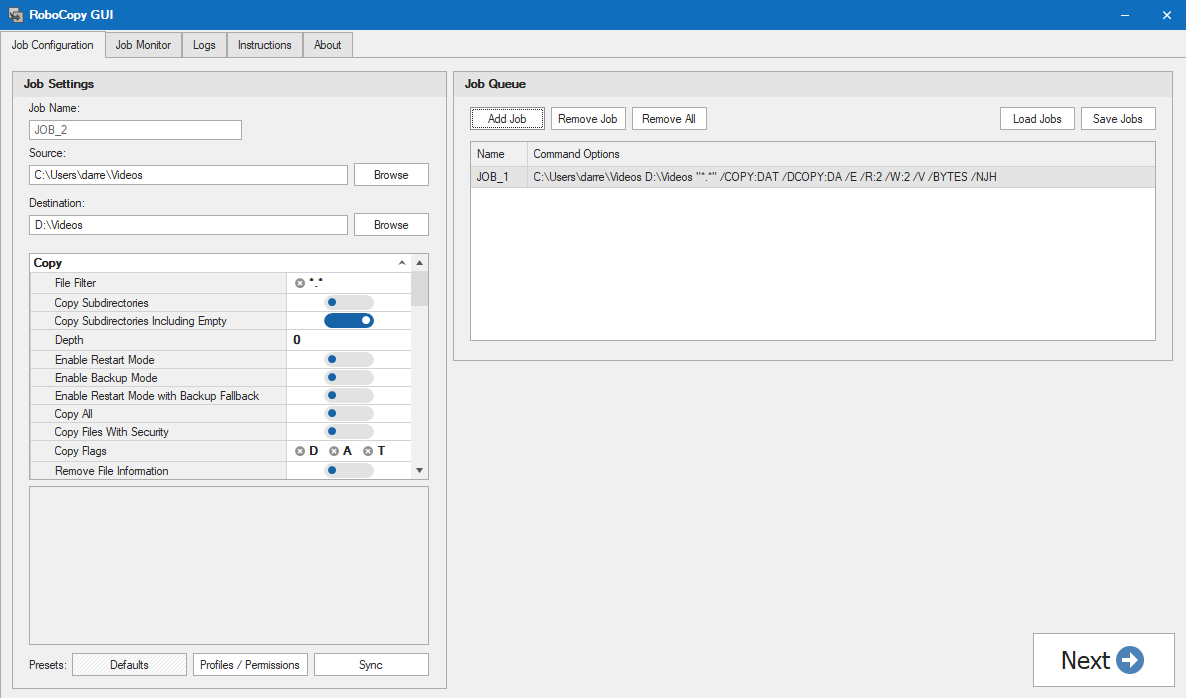
Categories
Features
Backup Log
Compression
Encryption
Incremental Backup
FAQ
The official website of RoboCopy GUI is https://www.pcassistsoftware.co.uk/
RoboCopy GUI belongs to the Backup category.
RoboCopy GUI offers features such as Backup Log, Compression, Encryption, Incremental Backup.
No, RoboCopy GUI does not offer a free trial.
Need help choosing this software?
Have questions about features, pricing, integrations, or implementation? Send an enquiry to the vendor and get the information you need.
Pricing
Starting at:
£4.99/one time
Free Trial Available
Compare RoboCopy GUI
RoboCopy GUI vs CloudbackRoboCopy GUI vs CyberFortressRoboCopy GUI vs Hystax AcuraRoboCopy GUI vs MyPCBackupRoboCopy GUI vs Softaken Software Cloud BackupRoboCopy GUI vs Elastio Cyber RecoveryRoboCopy GUI vs GotBackupRoboCopy GUI vs NAKIVO Backup & Replication for Microsoft Office 365RoboCopy GUI vs SureSyncRoboCopy GUI vs Box Backup