
SharedInbox
Connect any email account (Gsuite, Microsoft 365, etc.) to a dedicated Slack channel, collaborate, & reply - all through Slack!
What is SharedInbox?
SharedInbox allows teams to connect any email account (Gsuite/Gmail, Microsoft 365, etc.) to a dedicated channel in their Slack workspace. SharedInbox was designed for teams to collaborate on shared email accounts (e.g. support@, help@, info@, sales@, etc.) directly in Slack without ever sharing passwords! Teams can: - Manage all email communication - Send/Receive emails - Collaborate with team members on emails using threads ...all without ever leaving Slack! Try free for 7 days!
Screenshots
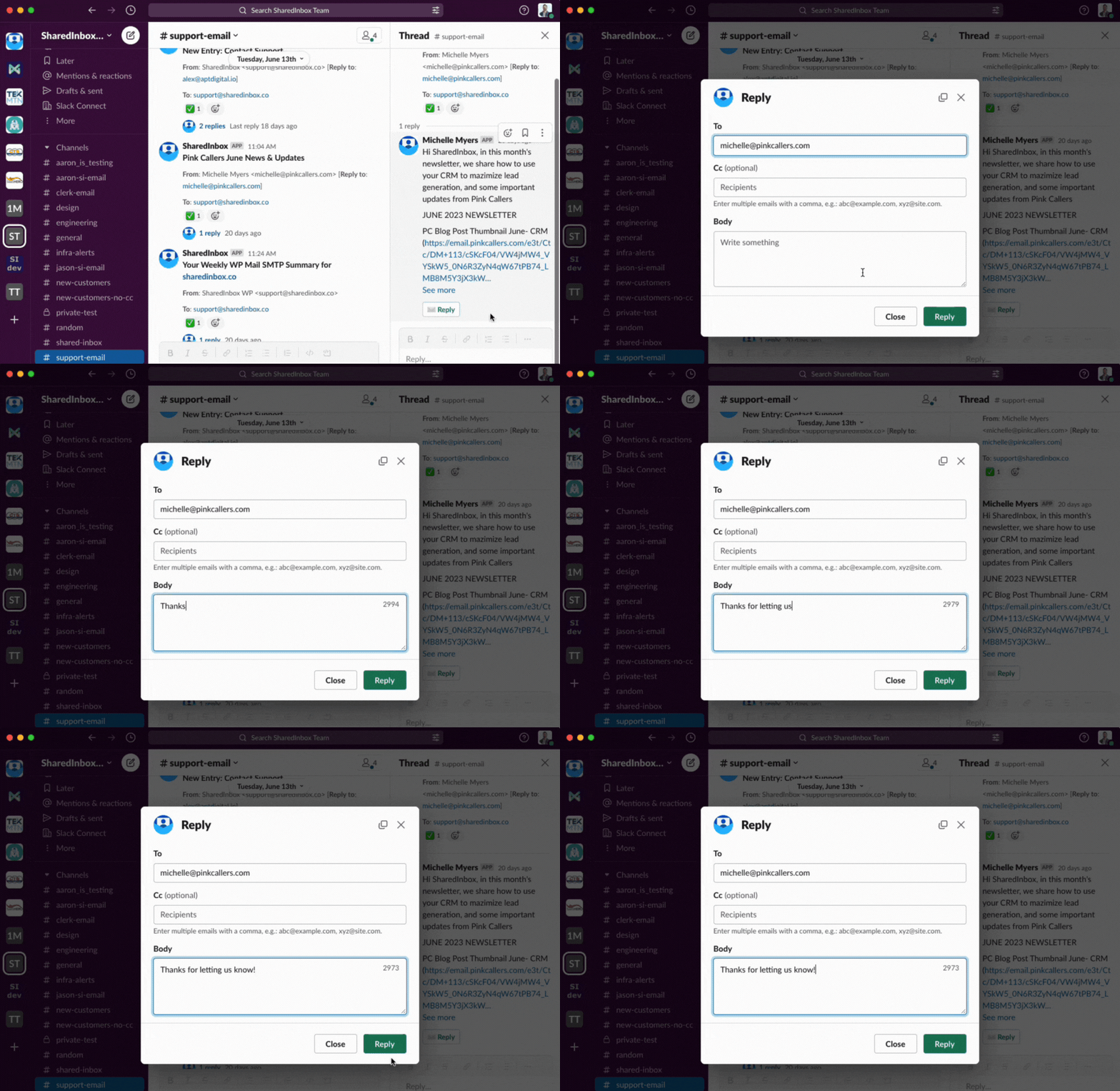
Video
Categories
Features
Alerts/Notifications
Collaboration Tools
Email Monitoring
FAQ
The official website of SharedInbox is https://sharedinbox.co/
SharedInbox belongs to the Email Management category.
SharedInbox offers features such as Alerts/Notifications, Collaboration Tools, Email Monitoring.
No, SharedInbox does not offer a free trial.
Need help choosing this software?
Have questions about features, pricing, integrations, or implementation? Send an enquiry to the vendor and get the information you need.
Pricing
Starting at:
$5/per month
Free Trial Available