
Getscreen.me
Getscreen.me perhaps the simplest and most convenient remote access software for administration, technical support and work from home.
What is Getscreen.me?
Getscreen.me is a browser-based remote access and remote desktop service designed for IT administration, technical support and remote working. Traditional remote access tools can be cumbersome to deploy, requiring client software on both ends, complex network configuration or VPN connections, which is inconvenient when supporting non-technical users or accessing computers from shared or mobile devices. Getscreen.me addresses this by enabling connections directly from a web browser, with no need to install software on the technician's side. A lightweight agent or a one-time launcher on the remote computer allows a support session to begin within seconds, and users receiving help can simply share a link or code. The service aims to be among the simplest ways to reach a remote machine, while retaining the security and management features expected by businesses and IT service providers.
Key features include unattended access to managed computers, on-demand support sessions for customers, file transfer, clipboard synchronisation, text and voice chat, and multi-monitor support. Administrators can group devices, assign access rights to team members, and record sessions for quality control and audit purposes. Integration options allow organisations to embed remote access links into help desk and CRM systems, and an API supports automation. Security measures include encrypted connections, two-factor authentication and access permissions, and the service works across Windows, macOS, Linux and Android devices. Getscreen.me also offers white-label customisation for companies wishing to present the tool under their own brand. It is delivered as a cloud service, with options for self-hosted servers for organisations requiring greater control. Target users include system administrators, help desks, managed service providers, software vendors supporting their customers, and employees accessing office computers from home. Pricing starts from around USD 5, a free trial is offered, and a free version is also available for limited personal use.
Screenshots
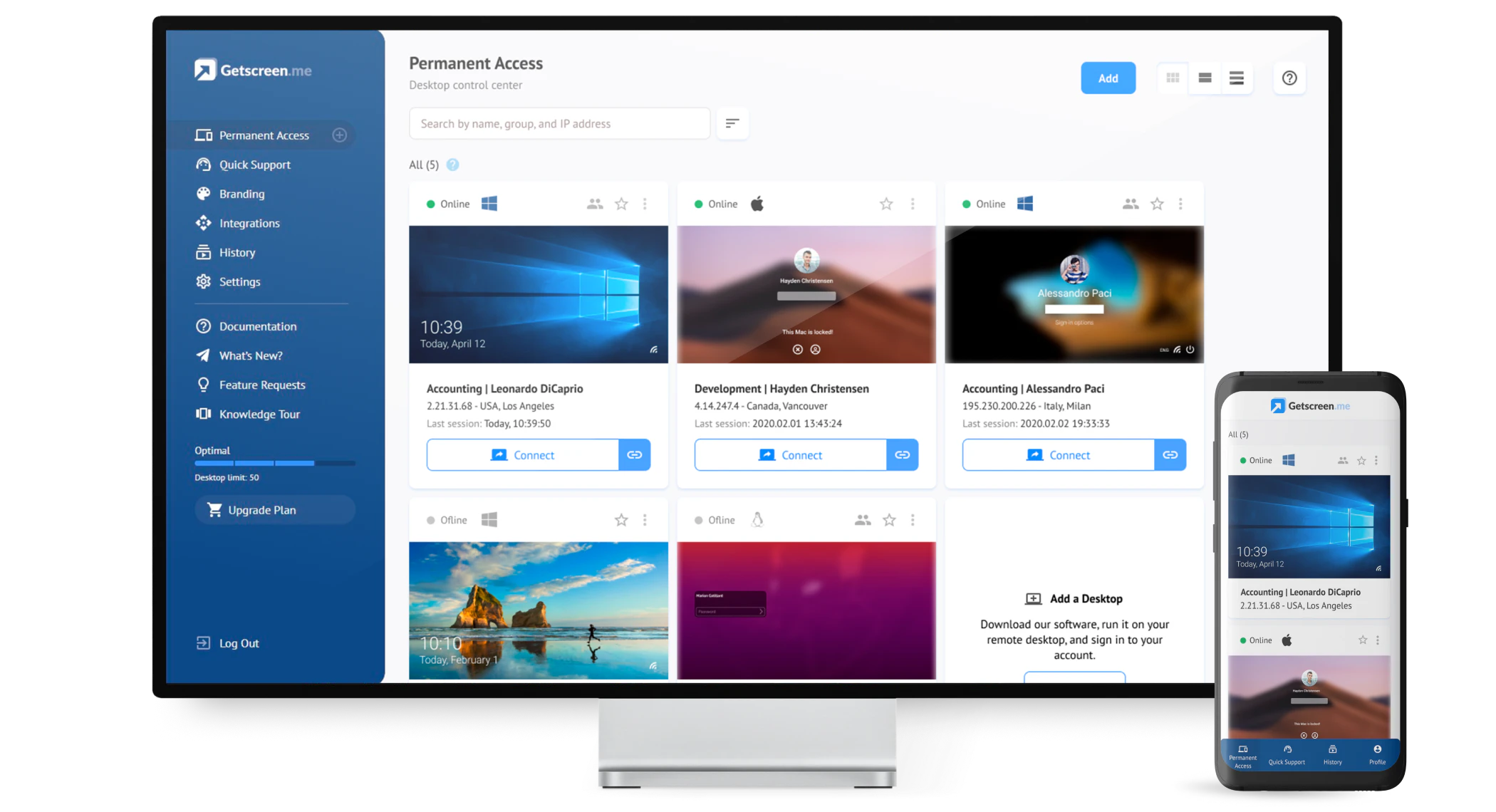
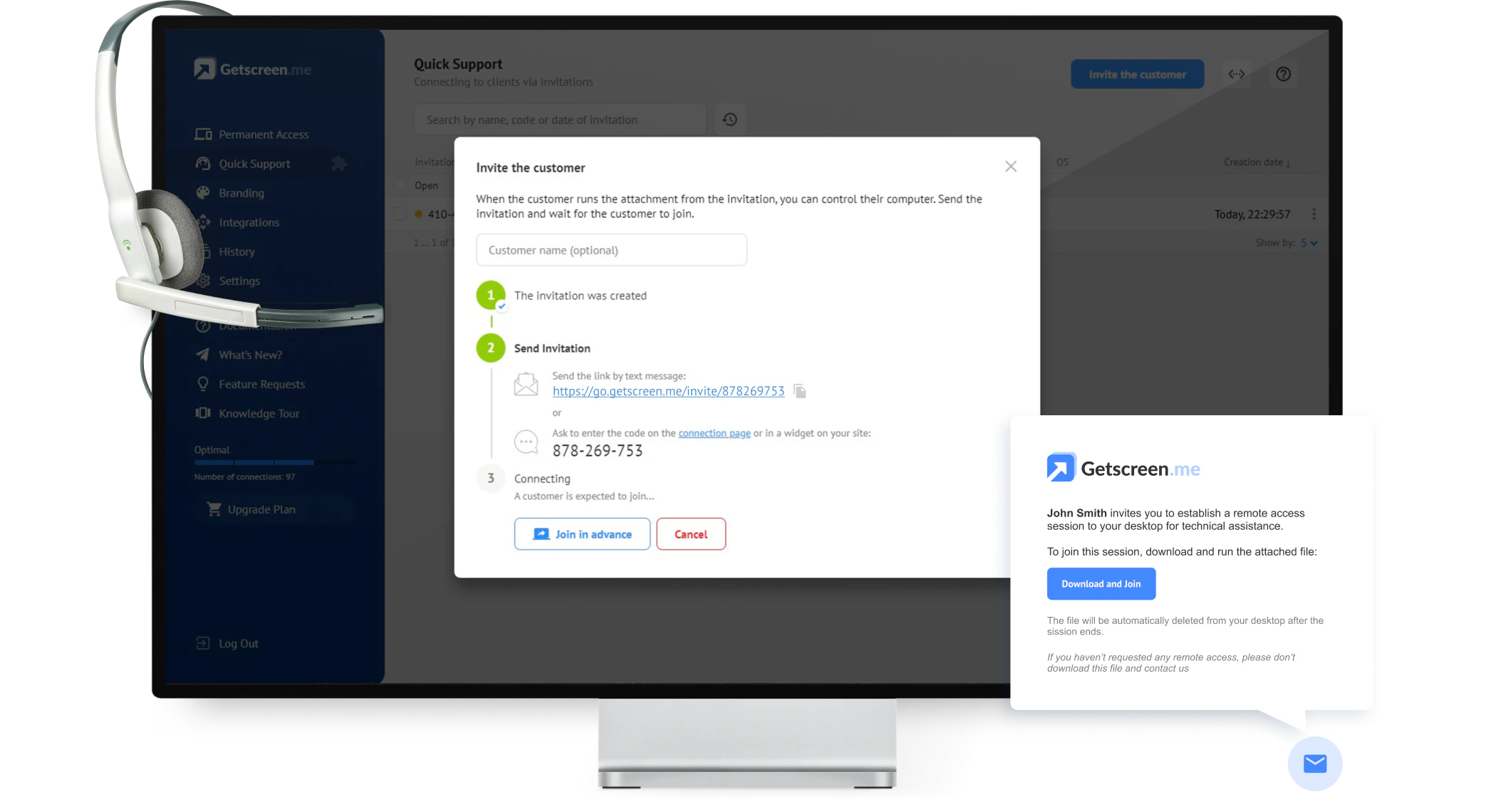
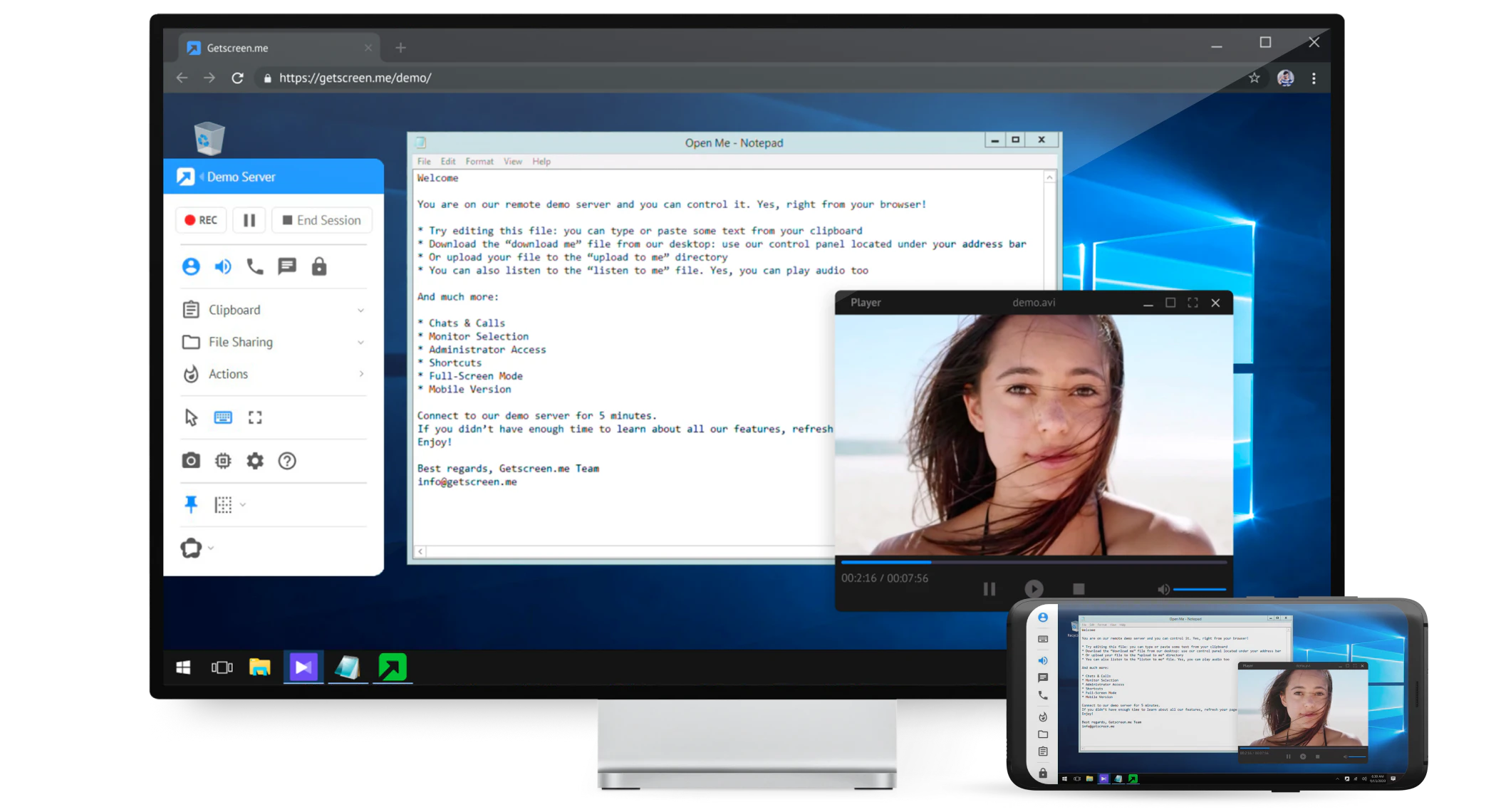
Video
Categories
Features
FAQ
The official website of Getscreen.me is https://try.getscreen.me/
Getscreen.me belongs to the IT Management, Remote Desktop, Remote Monitoring and Management, Remote Support, Remote Work category.
Getscreen.me offers features such as Access Controls/Permissions, Alerts/Notifications, Dashboard, Remote Access/Control, Collaboration Tools, File Transfer, Mobile Access, Multiple Monitor Access, Real-Time Chat, Screen Sharing, Chat/Messaging, File Sharing, Unattended Access, Live Chat.
Yes, Getscreen.me offers a free trial.
Need help choosing this software?
Have questions about features, pricing, integrations, or implementation? Send an enquiry to the vendor and get the information you need.
Pricing
Starting at:
$5/per month
Free Trial Available