
Lumin PDF
Lumin is an easy-to-use PDF editor that integrates with Google Workspace.
What is Lumin PDF?
Lumin s world-renowned PDF editor is used by over 100 million people worldwide. Designed to be accessible to all users, no matter their digital skillset. Lumin s PDF editor is designed for every stage of the work cycle: give feedback on new documents by adding comments and highlights; action necessary changes with edit text and add images; or do heavy lifting with fillable forms, formatting tools and storage. Lumin is cloud-based and fully integrated with Google Workspace, so you can edit PDFs from your mobile, tablet or desktop.
Screenshots
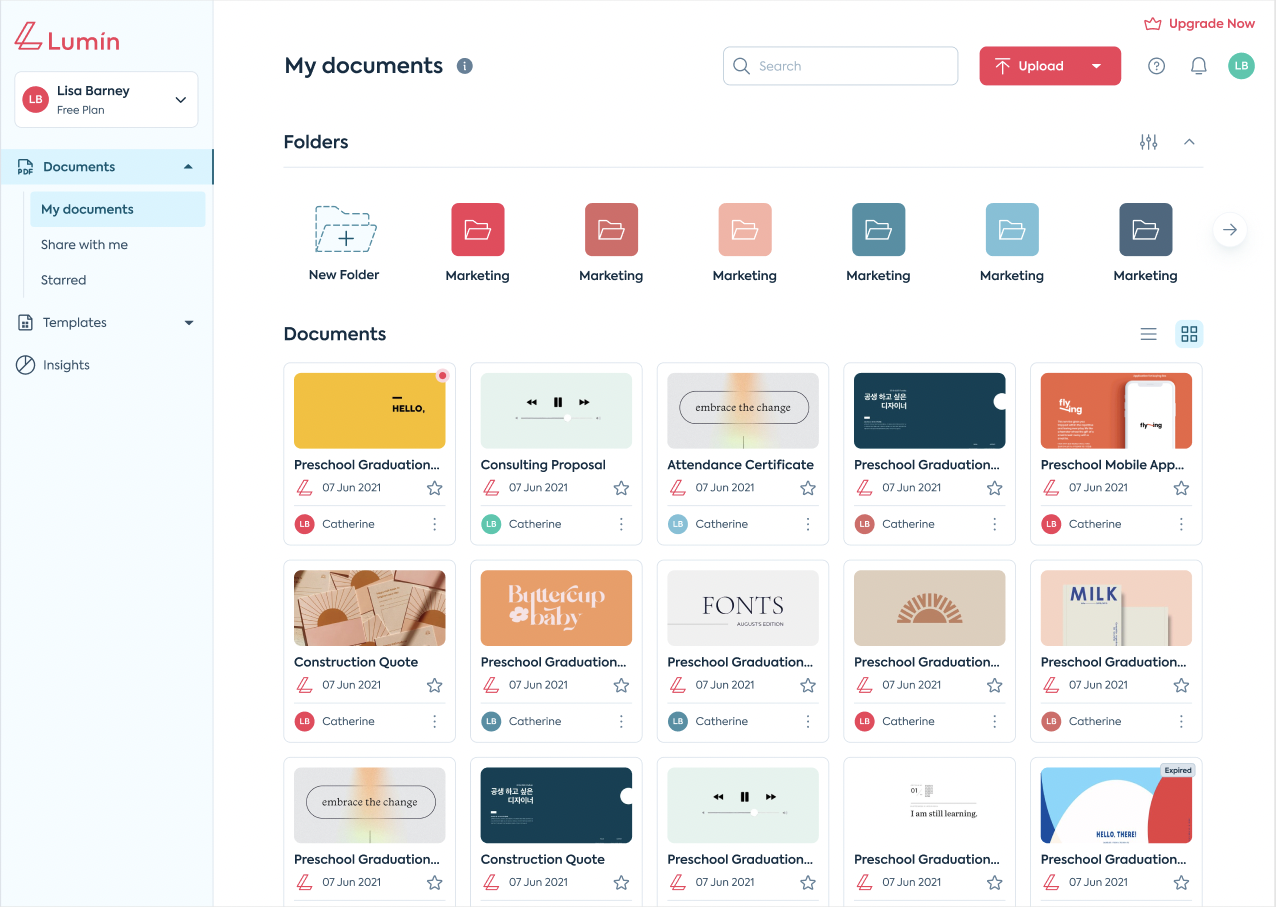
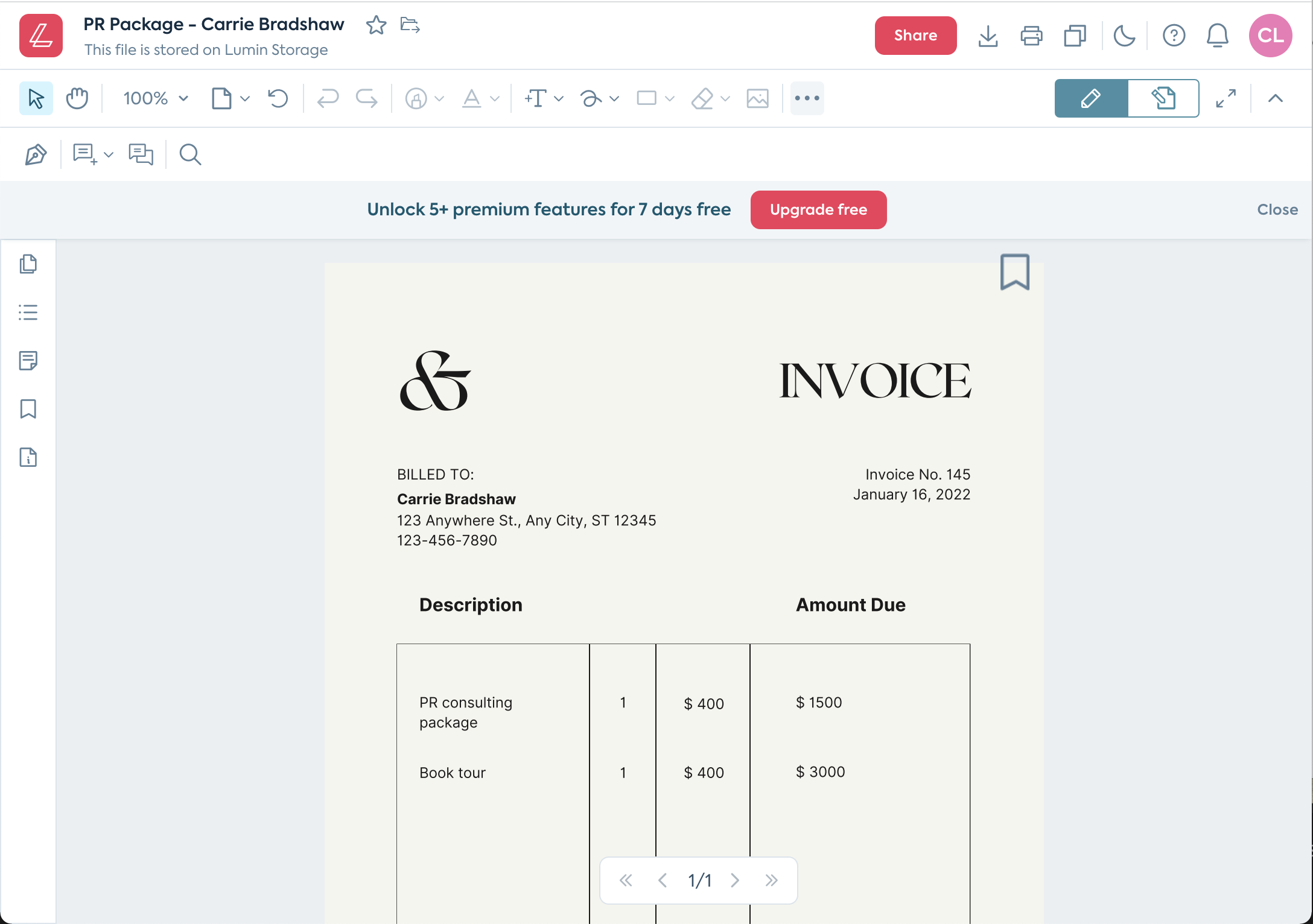
Video
Features
Access Controls/Permissions
Document Management
Convert to PDF
Digital Signature
Document Storage
Merge/Append Files
PDF Conversion
PDF Reader
Secure Data Storage
Text Editing
Annotations
Commenting/Notes
Electronic Signature
Full Text Search
Rotate Pages
FAQ
The official website of Lumin PDF is https://www.nitrolabs.com/
Lumin PDF belongs to the Digital Signature, PDF, PDF Editor category.
Lumin PDF offers features such as Access Controls/Permissions, Document Management, Convert to PDF, Digital Signature, Document Storage, Merge/Append Files, PDF Conversion, PDF Reader, Secure Data Storage, Text Editing, Annotations, Commenting/Notes, Electronic Signature, Full Text Search, Rotate Pages.
No, Lumin PDF does not offer a free trial.
Need help choosing this software?
Have questions about features, pricing, integrations, or implementation? Send an enquiry to the vendor and get the information you need.