SAS Studio
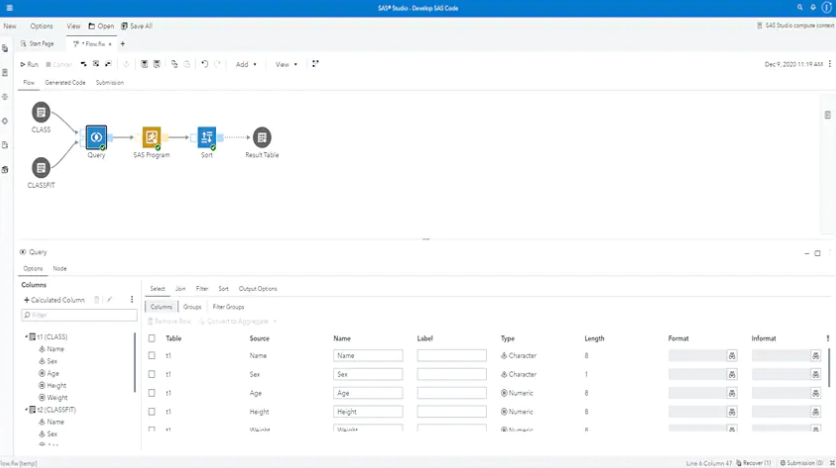
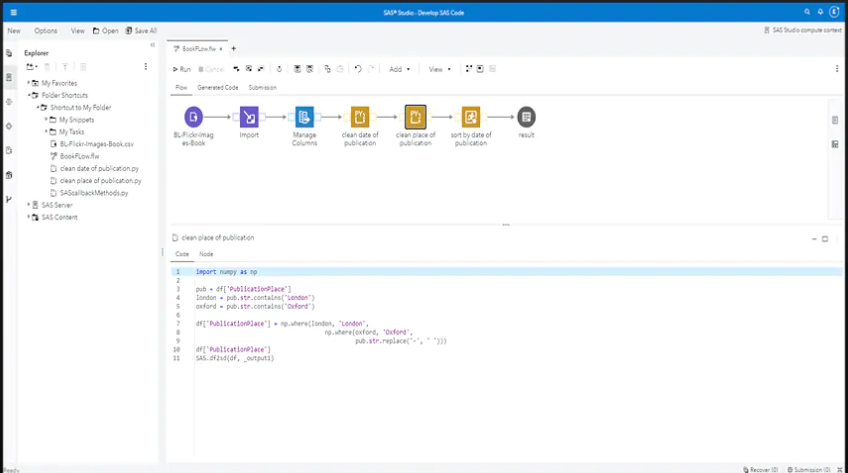
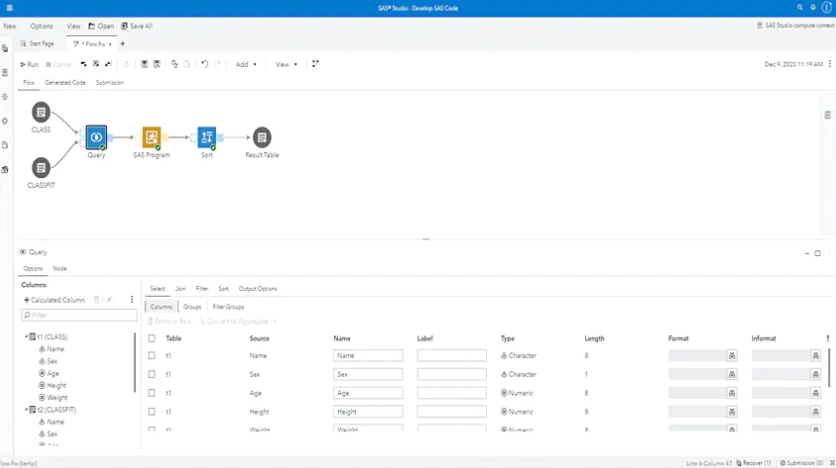
SAS Studio is an interactive development environment tool that uses a web-flow designer to orchestrate data and workflows.
What is SAS Studio?
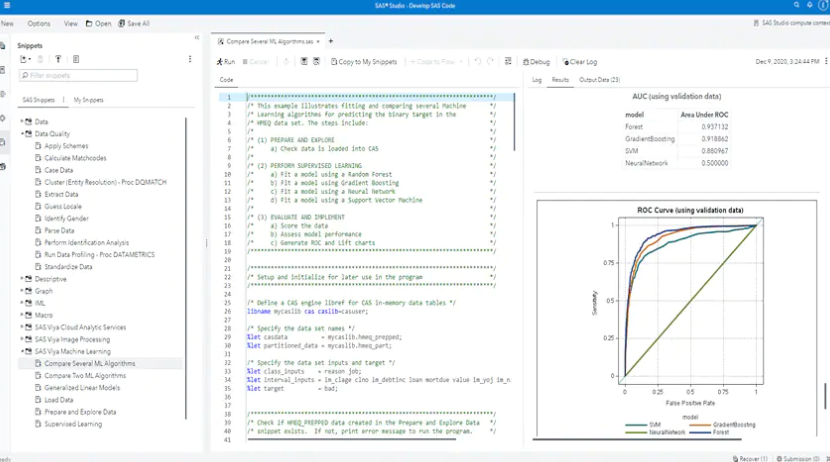
SAS Studio is a tool that allows you to create, schedule and execute SAS jobs. With the ability to easily debug your code in an interactive environment, users can quickly identify issues with logic or data and quickly schedule jobs to run using integrated version controls.
Screenshots


Categories
Features
FAQ
The official website of SAS Studio is https://www.sas.com/en_us/home.html
SAS Studio is a tool that allows you to create, schedule and execute SAS jobs. With the ability to easily debug your code in an interactive environment, users can quickly identify issues with logic or data and quickly schedule jobs to run using integrated version controls.
SAS Studio belongs to the Bug Tracking, Data Extraction, Data Management, Data Preparation, Integrated Development Environment (IDE) category.
SAS Studio offers features such as Issue Tracking, Project Management, Real-Time Notifications, Workflow Management, Data Aggregation and Publishing, Data Connectors, Data Import/Export, Data Capture and Transfer, Data Security, Data Synchronization, Data Visualization, Big Data Analytics, Data Mapping, Data Quality Control, Reporting/Analytics.
No, SAS Studio does not offer a free trial.
Reviews(0)
Write a reviewSAS Studio alternatives

Jira
Jira is particularly well suited to software development and agile teams. Its versatility, however, extends beyond software development to product management, IT operations, and customer support, and it offers robust issue tracking and task managemen...load more

Google Analytics 360
Google Analytics 360 is an enterprise-level analytics platform with in-depth performance indicators, such as ROI analysis reports. The app's primary function is to provide insights into customer behavior interactions with websites and apps to identif...load more

GitHub
Project Management for modern development teams. Understand exactly what work is done and how work is going.

ClickUp
ClickUp helps small businesses manage tasks, projects, and workflows with customizable views and automation tools. Its most used by marketing, IT services, and software services teams. Reviewers value its flexibility and collaboration features, thoug...load more

Microsoft Visual Studio
Visual Studio is an integrated development environment for .NET and C++ developers on Windows. It provides developer tools and services to make application development easy. The IDE offers intelligent code completion, diagnostics, source control inte...load more

Wrike
Wrike is a project management platform used by small businesses in IT services, marketing, and education to manage tasks, workflows, and timelines. Users highlight its dashboards and collaboration tools as standout features, while some cite a steep l...load more

Tableau
Tableau helps people transform data into actionable insights that make an impact. Easily connect to data stored anywhere, in any format. Quickly perform ad hoc analyses that reveal hidden opportunities. Drag and drop to create interactive dashboards ...load more

Airtable
Airtable helps small teams organize tasks, projects, and databases with flexible views and integrations. Its most used by marketing, IT, and admin roles for daily workflows. Reviewers say its customization and task editing tools are effective, though...load more

Google Cloud
Google Cloud Platform is cloud-based suite of solutions that allows users to create anything from websites to complex applications for businesses of all sizes across a range of industries. Google Cloud Platform offers a scalable data warehouse powere...load more