ThingLink
ThingLink helps you enhance your content using interactive hotspots in images, videos, 360 media and 3D models.
What is ThingLink?
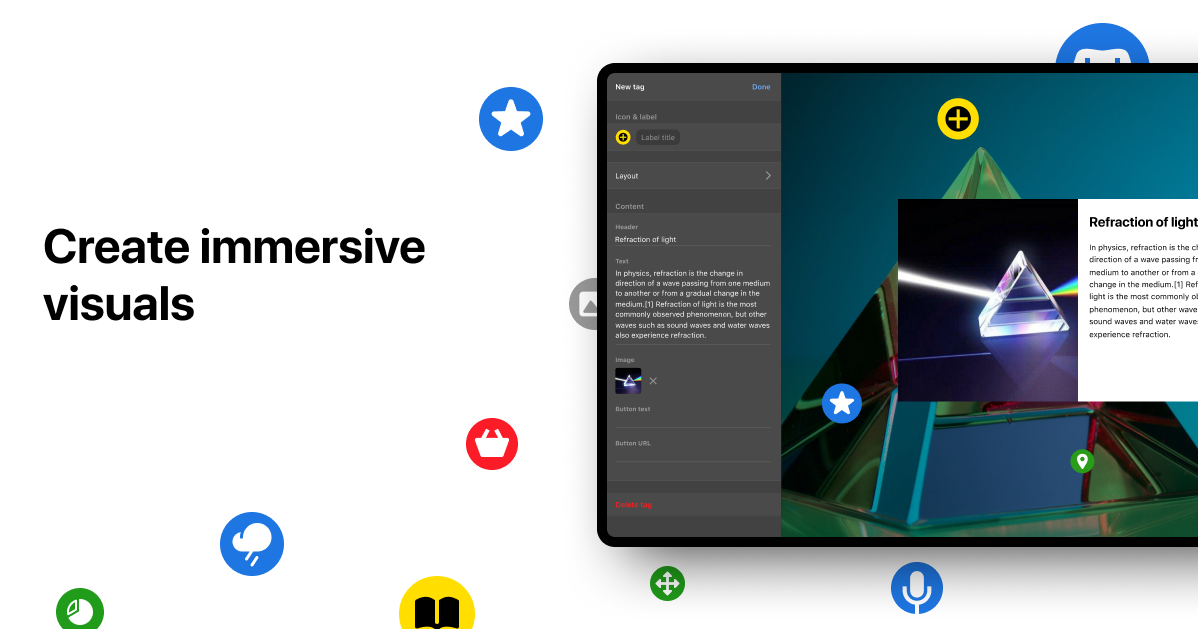
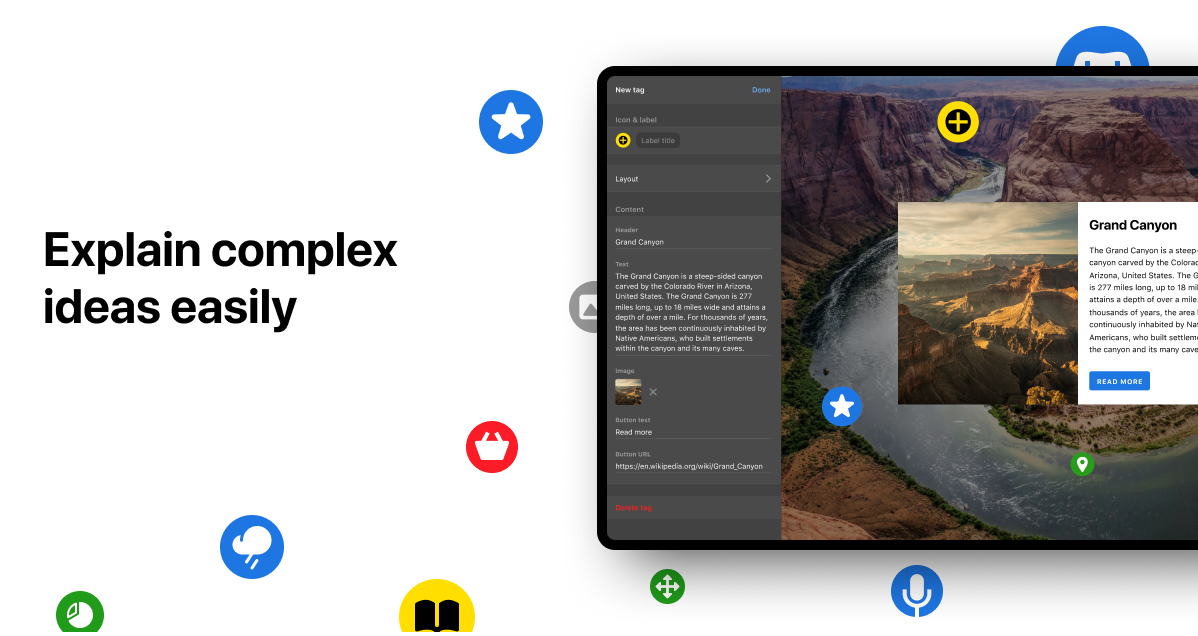
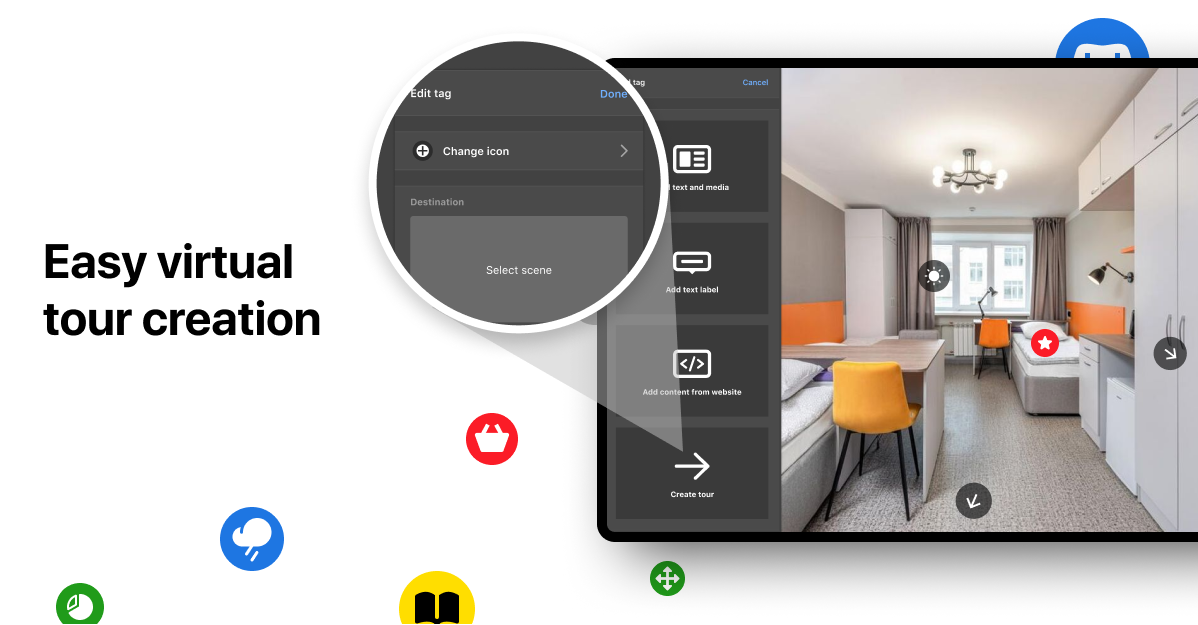
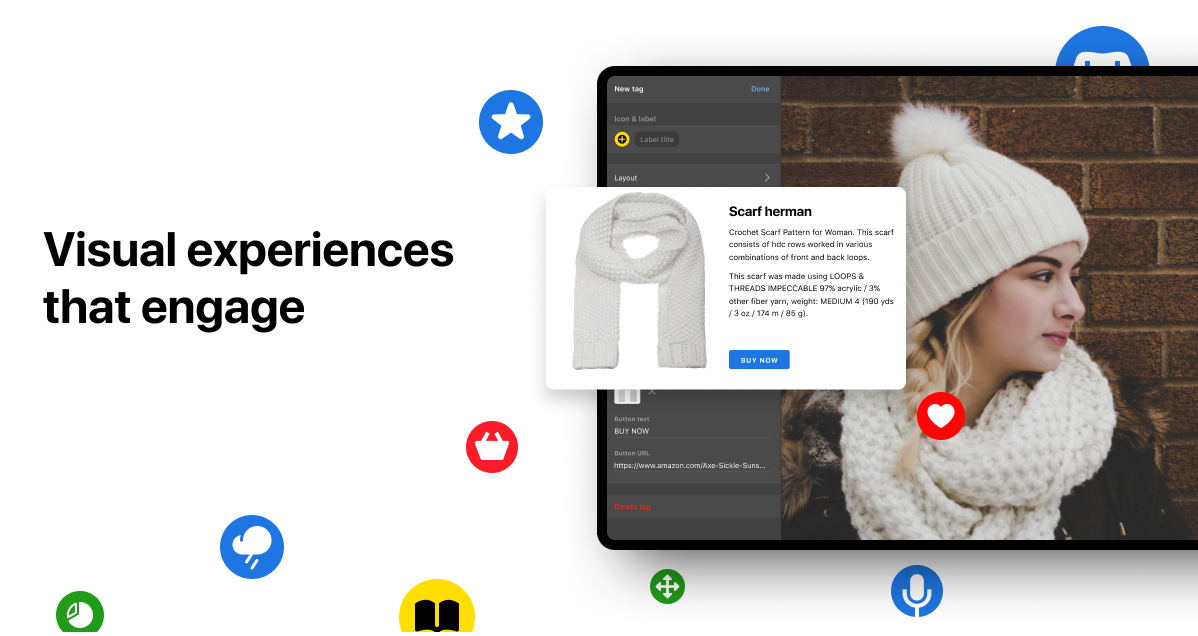
ThingLink is a way to use technology to make content more engaging. It turns any image, video, 360 media, or 3D model into an interactive experience with the help of annotations. Use ThingLink to create interactive presentations, infographics, virtual tours, gamified experiences, enhance online learning. Join our community using ThingLink in marketing & communications, corporate training, online learning and virtual tours.
Screenshots


Video
Categories
Features
FAQ
The official website of ThingLink is https://www.thinglink.com/
ThingLink is a way to use technology to make content more engaging. It turns any image, video, 360 media, or 3D model into an interactive experience with the help of annotations. Use ThingLink to create interactive presentations, infographics, virtual tours, gamified experiences, enhance online learning. Join our community using ThingLink in marketing & communications, corporate training, online learning and virtual tours.
ThingLink belongs to the Virtual Tour, Content Management, Presentation, eLearning Authoring Tools category.
ThingLink offers features such as Customizable Branding, Floor Plans & Maps, Hotspot, Panoramas, Social Media Integration, Virtual Reality, Voice-Over/Audio, Access Controls/Permissions, Collaboration Tools, Content Publishing Options, Document Management, Text Editing, Animation, Image Editing, Content Management, Course Authoring, Course Publishing, Interactive Content, Interactive Learning, Learning Management.
No, ThingLink does not offer a free trial.
Pricing
Starting at:
USD 25
Free Trial Available
Reviews(0)
Write a reviewThingLink alternatives

Google Drive
Google Drive is a cloud-based storage platform that allows users and teams to store, access, and share files in one secure place. Flexible storage options with data loss prevention features are available. Using Google AI, this solution can identify...load more

Microsoft PowerPoint
PowerPoint is a Microsoft on-premise presentation solution that lets professionals create, edit and share slides with team members, external clients and other stakeholders. Administrators can track changes made by team members and insert embedded...load more

WordPress
Open source software that is free to use for creating blogs and websites.

Canva
Canva helps small businesses create branded visuals quickly using editable templates and AI-powered design tools. Its most used by marketing, design, and admin teams in SMBs that need fast, repeatable content. Reviewers highlight its ease of use and...load more

GoTo Meeting
An industry leader in online video conferencing for companies around the world, GoTo Meeting now comes as part of GoTo Connect, the all-in-one communications software built for SMBs. Get a fast, easy and reliable professional solution that enables...load more

Wix
Wix empowers small businesses to build and manage websites quickly. Most users rely on it for designing, blogging, and marketing. Its drag-and-drop editor and mobile access stand out for ease of use, while limitations in SEO and advanced...load more

Google Slides
Cloud-based office suite by Google that helps create, edit, and collaborate presentations sorted by date and are saved automatically.

Box
Box enables small businesses to manage and share files securely across teams and devices. Its favored by administrative and IT roles in smaller organizations for document management and cloud storage. Users highlight its organized file structure and...load more

Microsoft SharePoint
Content management solution that helps businesses with desktop sharing and viewing, text annotations, instant messaging, and whiteboard

Connecteam
Connecteam's time clock app streamlines time tracking for non-desk teams, allowing employees to easily clock in and out through mobile or kiosk apps, with geofence and GPS capabilities. The app is easy to use and requires minimal training, offering...load more