.png)
ONLYOFFICE
Secure office suite for document editing, management, and team collaboration
What is ONLYOFFICE?
ONLYOFFICE is an open-source office suite and document collaboration platform designed to help individuals, educational institutions, nonprofit organisations, small businesses, professional teams, and enterprises create, edit, share, and manage business documents. The platform provides editors for text documents, spreadsheets, presentations, PDF files, fillable forms, and e-books through web-based, desktop, and mobile applications.
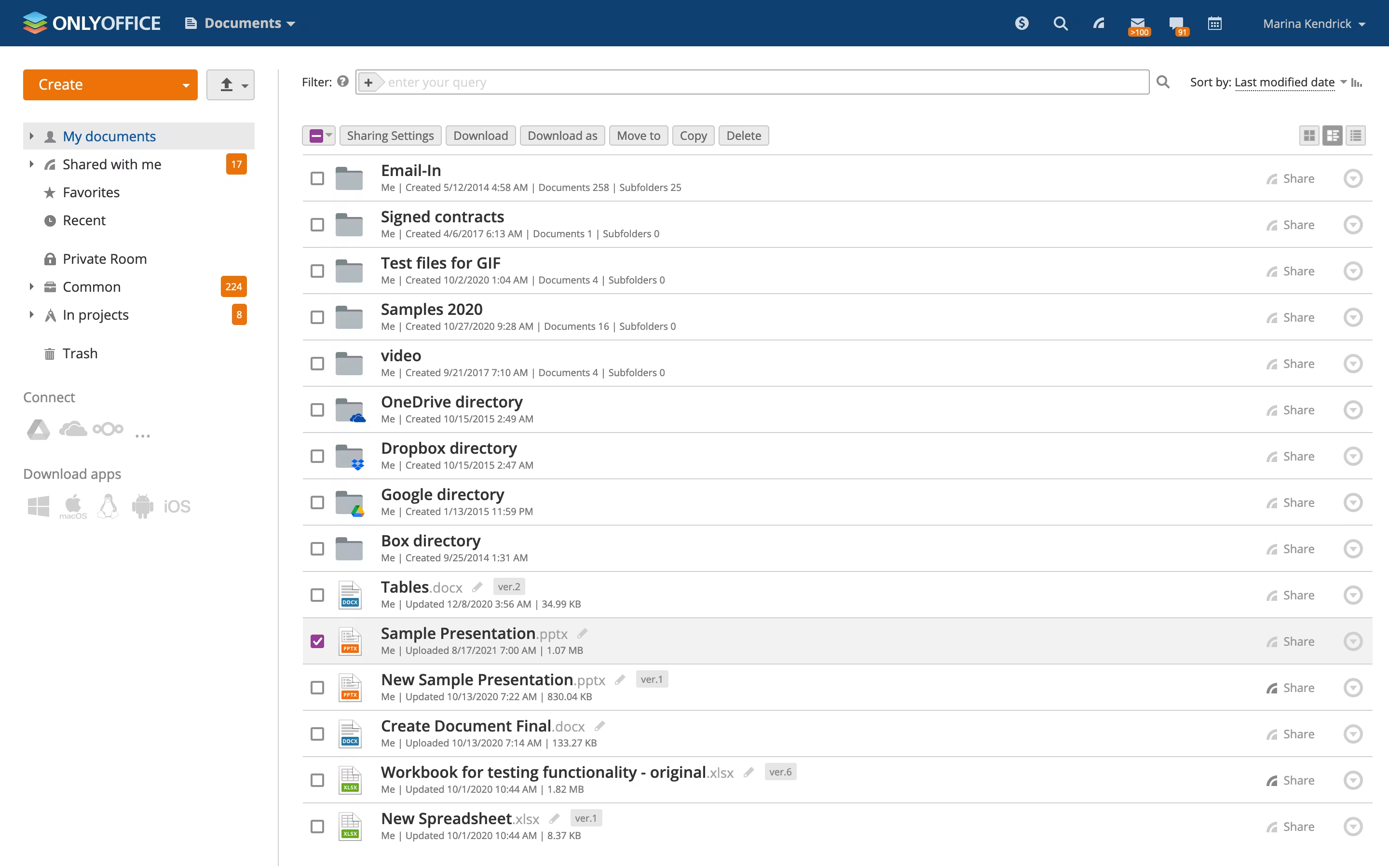
Businesses often face challenges when documents are distributed across email attachments, local devices, cloud storage platforms, and disconnected productivity applications. These fragmented workflows can create duplicate files, version conflicts, delayed approvals, inconsistent formatting, and limited visibility into document changes. ONLYOFFICE addresses these challenges by combining document editing, file management, sharing permissions, and real-time collaboration within a connected productivity environment.
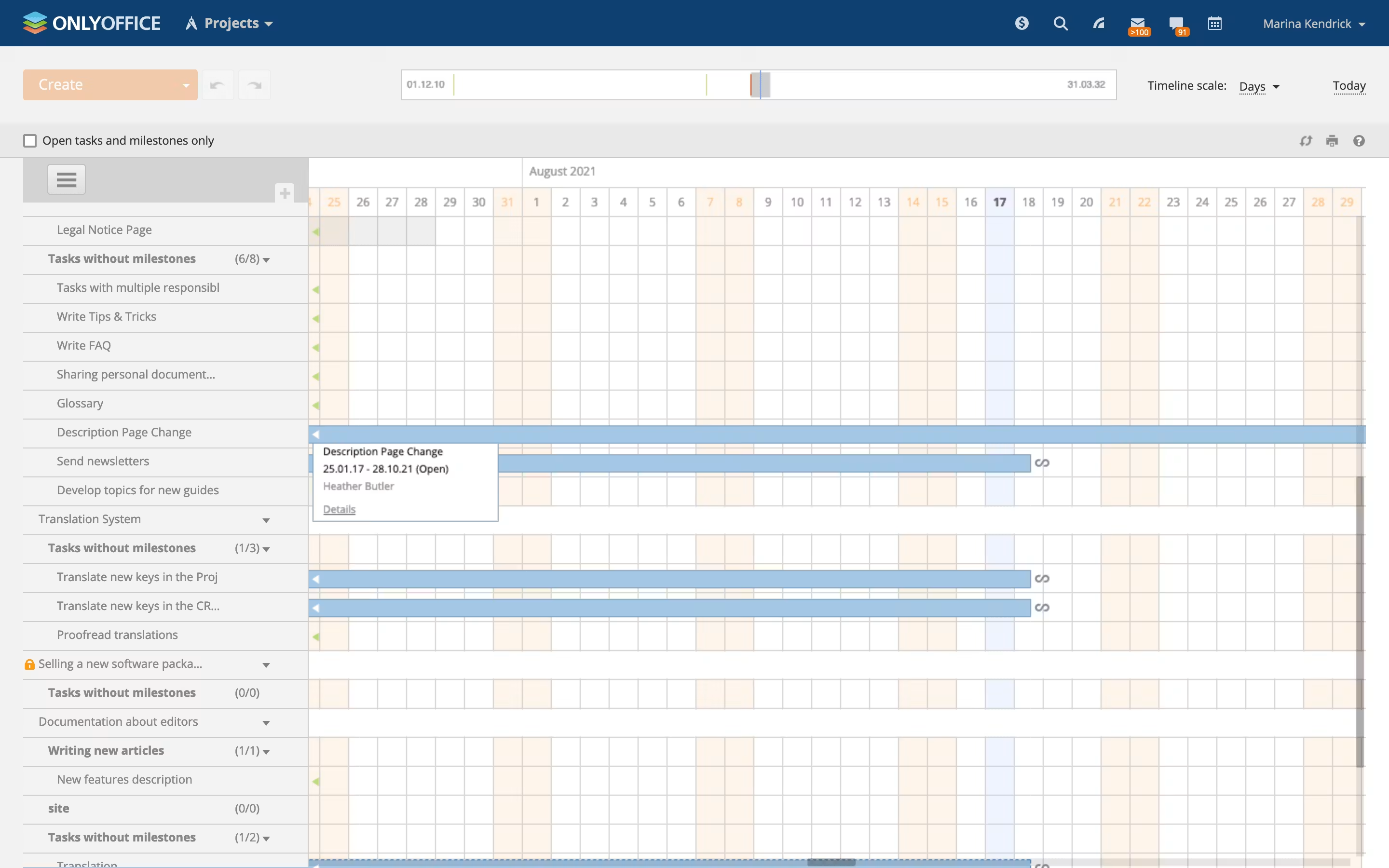
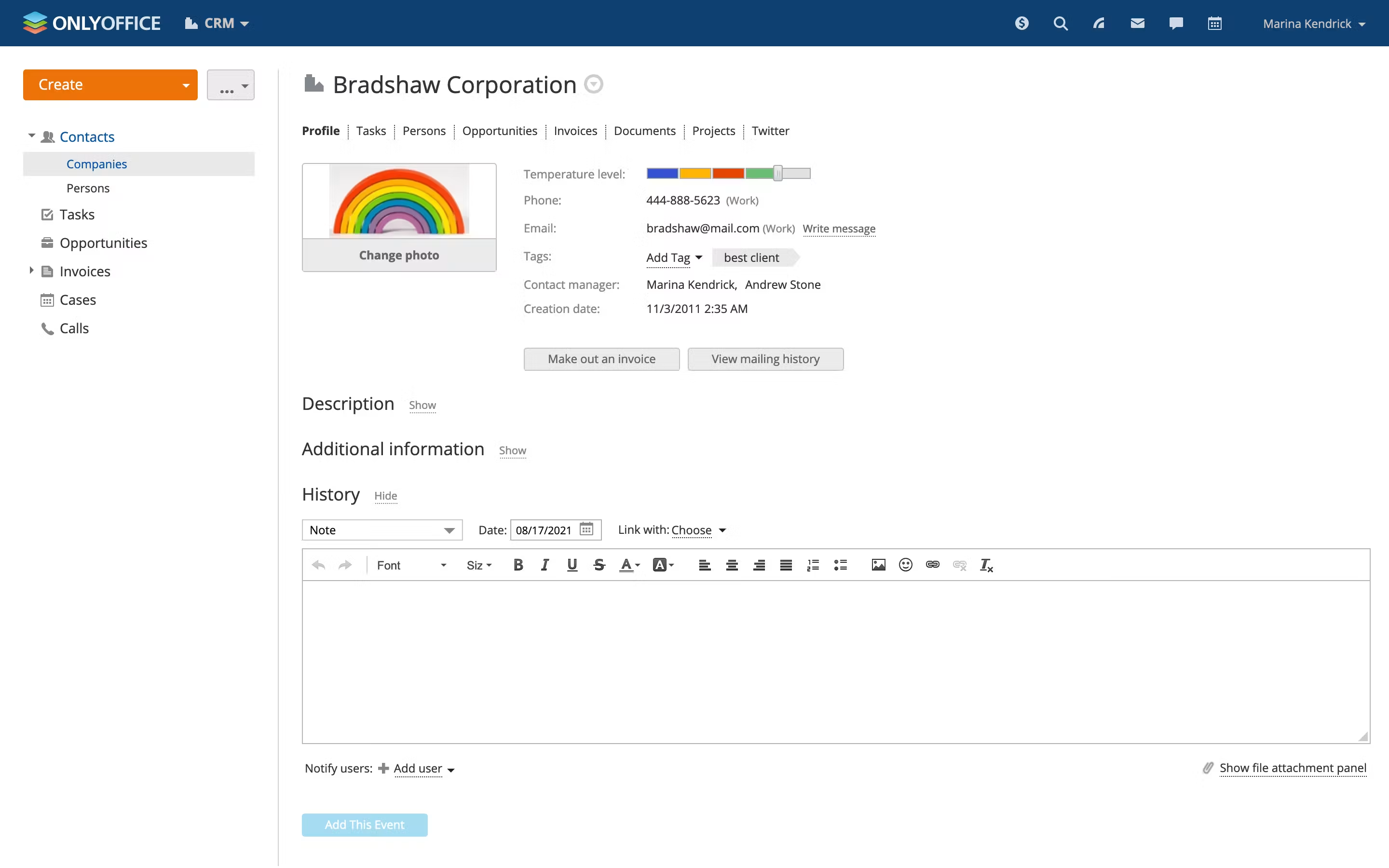
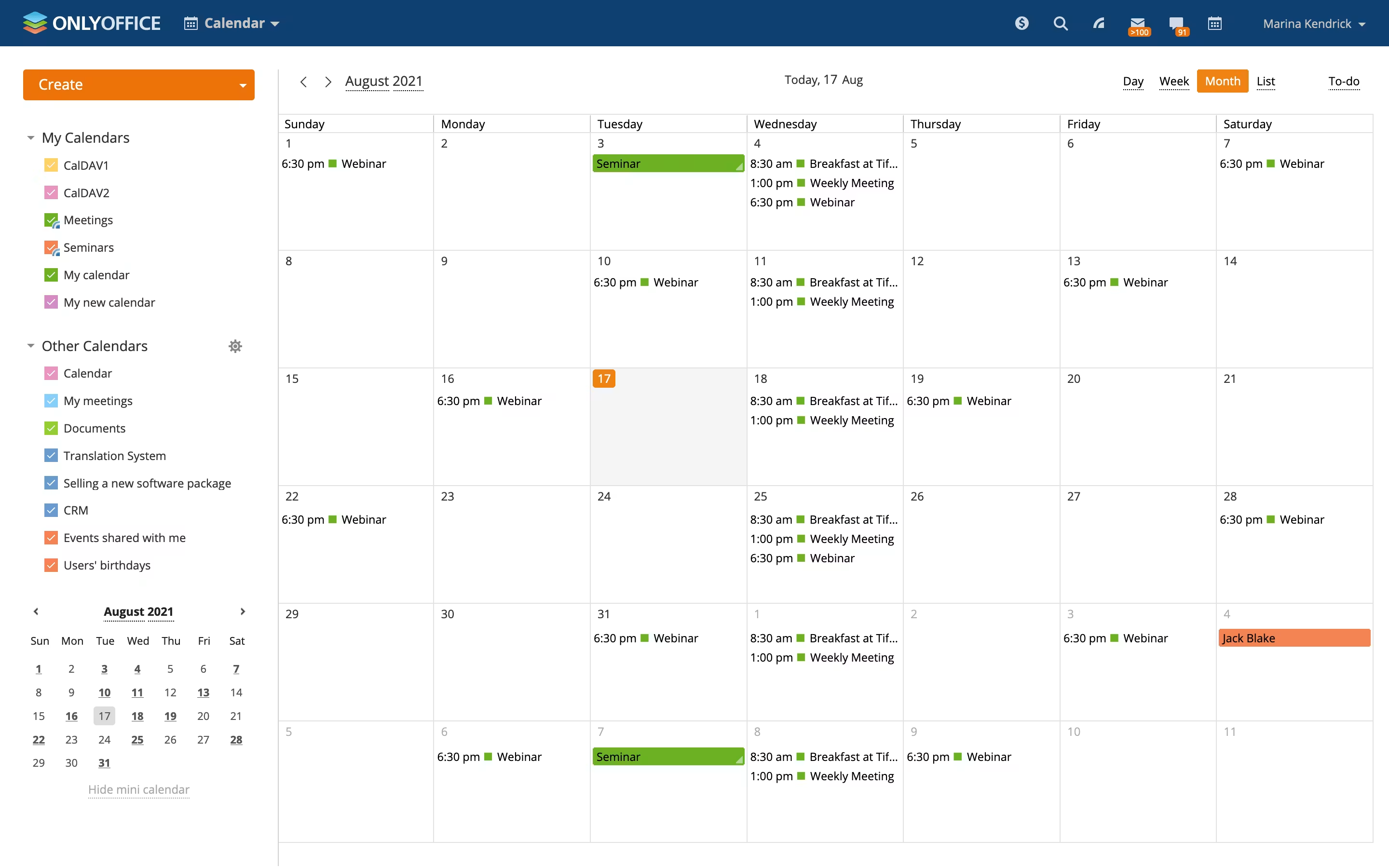
The platform supports simultaneous co-editing, comments, mentions, change tracking, version history, document comparison, access permissions, fillable form creation, PDF editing, and integration with third-party business platforms. Its online editors are designed to provide strong compatibility with Microsoft Office file formats, while ONLYOFFICE Workspace combines document management with tools for projects, customer relationship management, email, calendars, and team communication. ONLYOFFICE DocSpace also enables organisations to create dedicated collaboration rooms for document editing, review, form completion, public sharing, and customised business workflows.
ONLYOFFICE can be accessed through cloud-hosted and self-hosted deployment options, making it suitable for organisations with different infrastructure, privacy, and compliance requirements. Free desktop editors are available for Windows, Linux, and macOS, while mobile applications support Android and iOS devices. Businesses requiring greater administrative control can use enterprise editions with advanced security capabilities, professional support, connectors, centralised management, and deployment within their own servers or private cloud infrastructure.
ONLYOFFICE is suitable for teams that need an office productivity suite, document collaboration software, PDF editor, online document management platform, or self-hosted alternative to traditional cloud office applications. Krowdbase can list ONLYOFFICE primarily as software under categories such as Office Suite Software, Document Collaboration Software, Document Management Software, Productivity Software, Spreadsheet Software, Presentation Software, PDF Editor Software, and Online Word Processor Software.
Screenshots
Video
Categories
Features
FAQ
The official website of ONLYOFFICE is https://www.onlyoffice.com/
ONLYOFFICE belongs to the Document Management, Productivity, File Sharing, Business Process Management, Project Management category.
ONLYOFFICE offers features such as Alerts/Notifications, Access Controls/Permissions, Document Storage, Collaboration Tools, Encryption, Real Time Synchronization, Data Import/Export, Customizable Templates, Email Management, Reporting & Statistics, Search/Filter, Task Management, To-Do List, Access Controls/Permissions, Generative AI, Reporting/Analytics, Templates, Third-Party Integrations, Drag & Drop, Document Management, Approval Process Control, Customizable Templates, Document Management, File Sharing, Milestone Tracking, Multiple Projects, Project Planning/Scheduling, Reporting/Project Tracking, Task Management, Traditional Methodologies, Commenting/Notes, Document Capture, Drag & Drop, Secure Data Storage, Third-Party Integrations, Version Control, File Sharing, Document Classification.
ONLYOFFICE is used in industries such as Information Technology & Services, Telecommunications.
ONLYOFFICE is built for Mid Size Business, Small Business, Enterprise
ONLYOFFICE supports English, Chinese, German, Japanese
ONLYOFFICE supports Android, Windows, iPhone/iPad, Web-based, Mac devices.
The starting price of ONLYOFFICE is USD undefined.
Yes, ONLYOFFICE offers a free trial.
ONLYOFFICE was founded in 2008.
ONLYOFFICE has approximately 51-100 employees.
ONLYOFFICE is located in Latvia.
ONLYOFFICE was founded by Ascensio System SIA.
Need help choosing this software?
Have questions about features, pricing, integrations, or implementation? Send an enquiry to the vendor and get the information you need.
Vendor Details
- Vendor
- Ascensio System SIA
- Founded
- 2008
- Locations
- Latvia
- Company Size
- 51-100
- Social Media


Industries
Customer Segments
Languages
Devices
Reviews(0)
Write a reviewONLYOFFICE alternatives

Google Docs is Google's web-based word processor and part of the Google Workspace productivity suite, which also includes Sheets, Slides, Forms and Drive. It allows users to create, edit, store and share documents entirely in the browser or through...Read more

Google Drive
Google Drive is a cloud-based storage platform that allows users and teams to store, access, and share files in one secure place. Flexible storage options with data loss prevention features are available. Using Google AI, this solution can identify...Read more

Slack is a cloud-based business communication and collaboration software designed to help teams communicate, share information, manage projects, and improve workplace productivity. Since its launch, Slack has become one of the most widely adopted...Read more


Dropbox Business
Dropbox Business, now marketed under Dropbox's team plans, is the organisational edition of the well-known cloud file storage and synchronisation service. It addresses a common challenge for companies of every size: keeping files accessible, current...Read more

Microsoft PowerPoint
PowerPoint is a Microsoft on-premise presentation solution that lets professionals create, edit and share slides with team members, external clients and other stakeholders. Administrators can track changes made by team members and insert embedded...Read more

Microsoft Excel is a productivity tool for creating spreadsheets, and for performing statistics and analysis. It features over 100 functions and more than 235 built-in formulas, 1D and 2D charting, pivot tables for cross-tabulation analysis,...Read more

Modern businesses generate customer interactions across multiple channels including websites, email, social media, events, outbound sales, and customer service touchpoints. Managing these relationships manually often leads to missed opportunities,...Read more

Google Workspace's word processing for teams. Work on a single document with team members or people outside your company. See edits as others type, communicate through built-in chat and ask questions by including comments. Create, edit and share...Read more

Jira Software is one of the most widely used project management and issue-tracking platforms designed for software development teams, IT departments, agile organizations, and enterprise project management environments. Developed by Atlassian, Jira...Read more
Not sure which software is right for your business?
Tell us about your requirements and we'll recommend the best software based on your business needs.