Pandora FMS
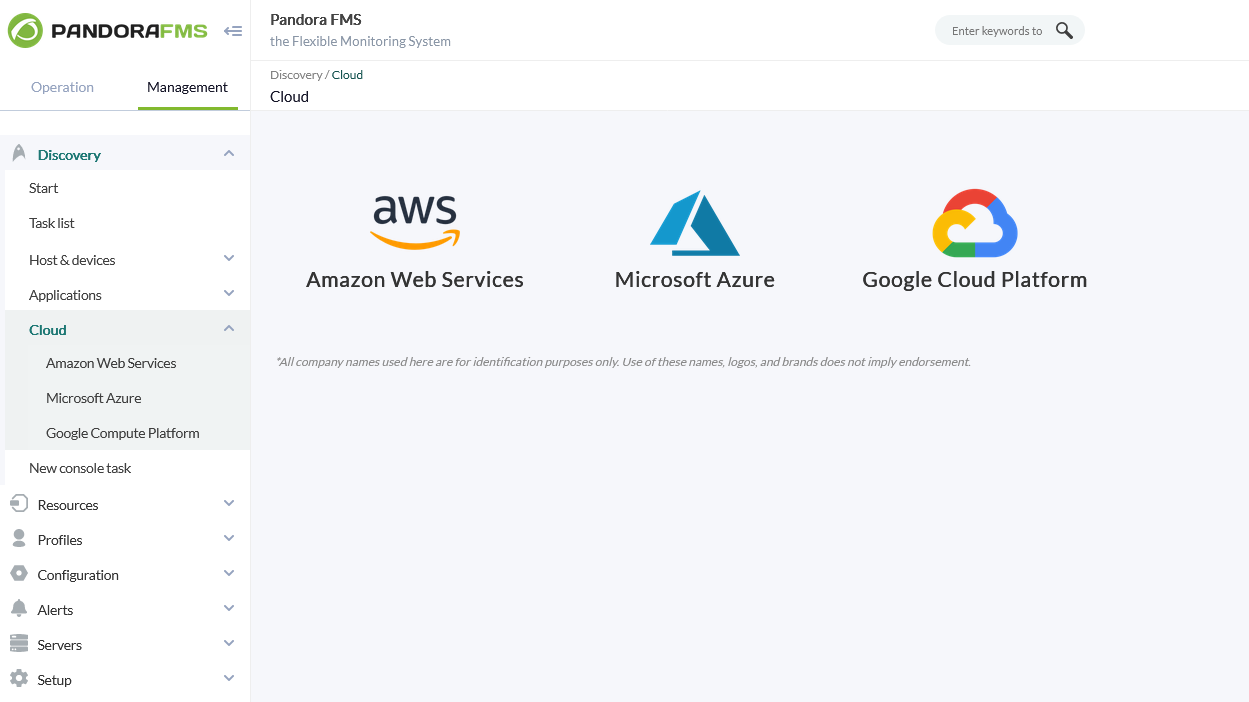
Pandora FMS and its Cloud Discovery obtain information directly from the different Cloud providers and when they are not accessible.
What is Pandora FMS?
Get low-level hardware information, combined with business application data, operating system metrics and inventory data for each system. Use the integrated remote system to connect via remote desktop (no need to install a heavy client), review logs from any computer as if you were in front of it, or transfer files without leaving your browser. Configure network equipment, detect changes in configurations, make backups, update firmwares and deploy changes in dozens of of devices at once.
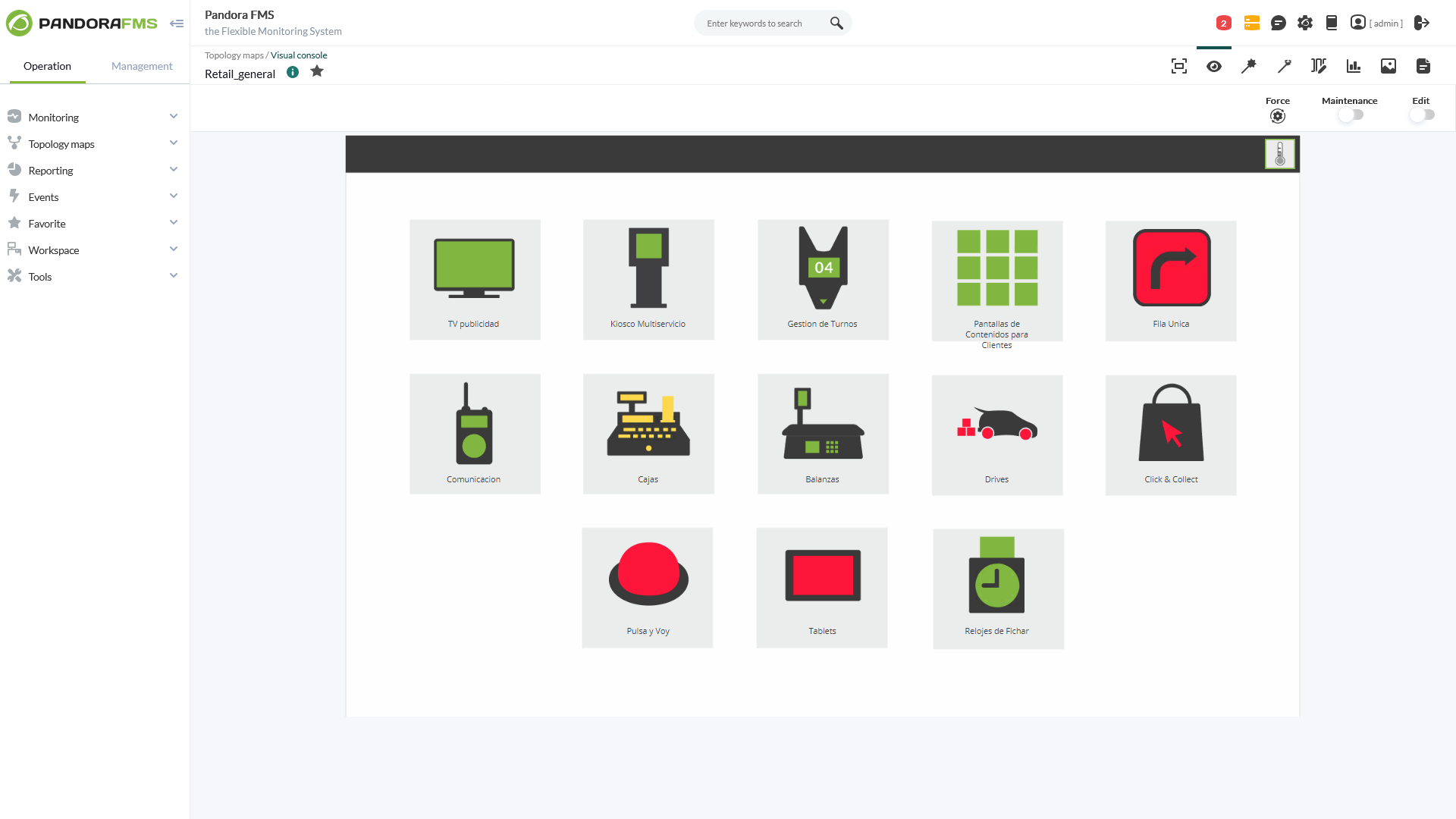
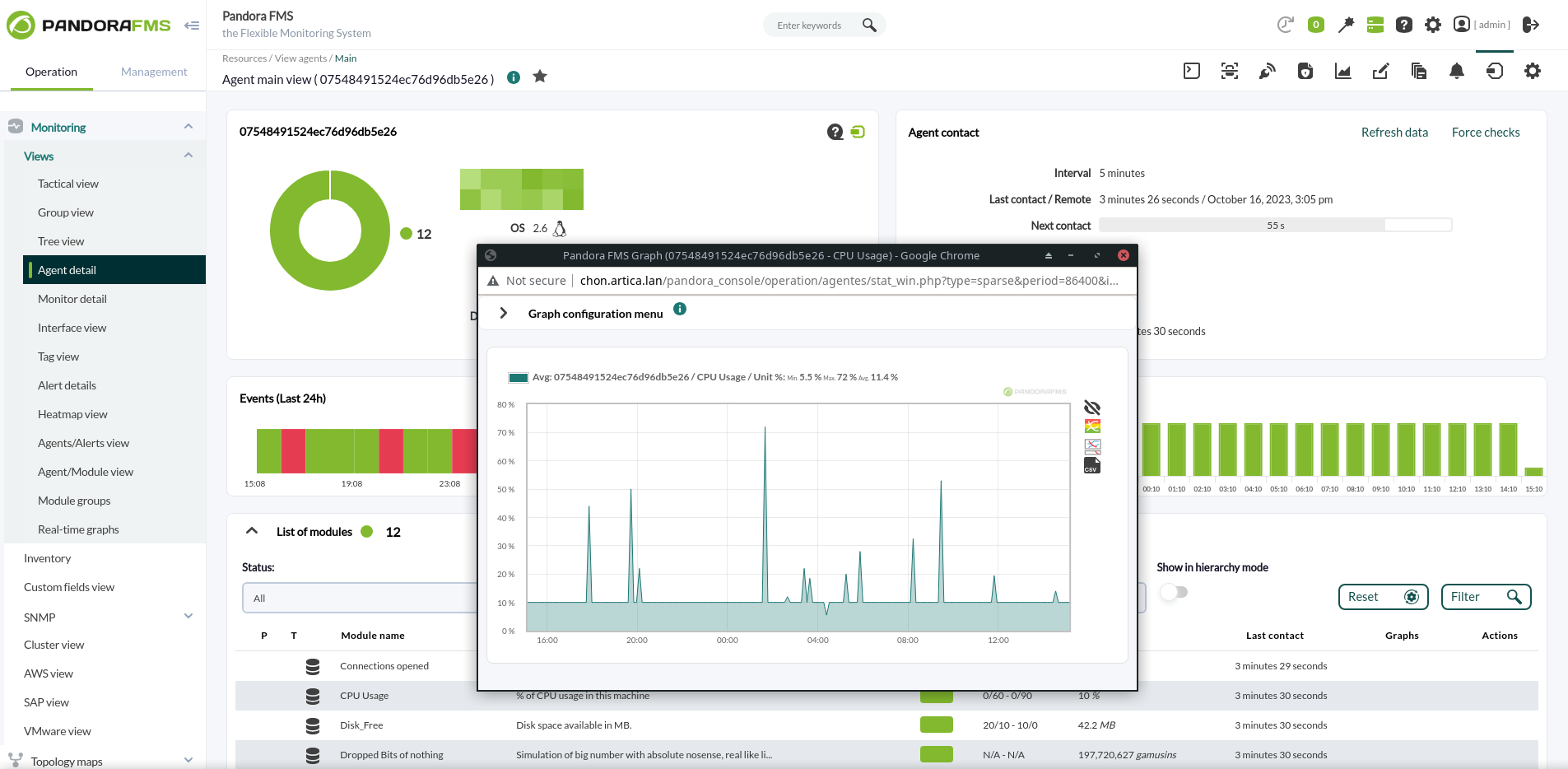
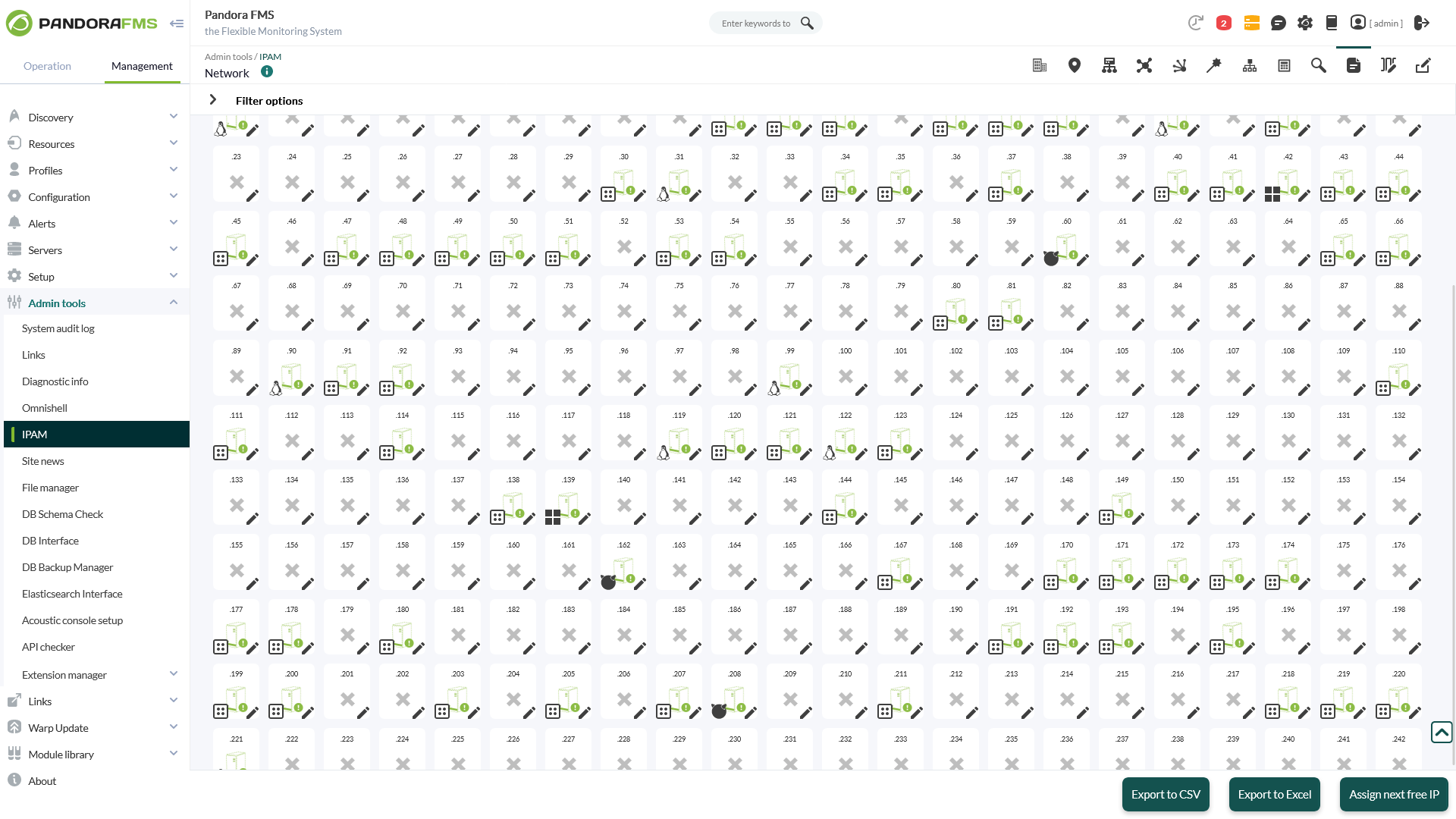
Screenshots


Video
Categories
Features
FAQ
The official website of Pandora FMS is https://pandorafms.com/
Get low-level hardware information, combined with business application data, operating system metrics and inventory data for each system. Use the integrated remote system to connect via remote desktop (no need to install a heavy client), review logs from any computer as if you were in front of it, or transfer files without leaving your browser. Configure network equipment, detect changes in configurations, make backups, update firmwares and deploy changes in dozens of of devices at once.
Pandora FMS belongs to the Cloud Management, Database Monitoring, Network Mapping, Application Performance Management, Data Center Management, IT Management, IoT, Log Management, Network Monitoring, Network Troubleshooting, Remote Monitoring and Management, Server Management, Server Monitoring category.
Pandora FMS offers features such as Access Controls/Permissions, Capacity Analytics, Event Logs, Performance Analysis, Real-Time Monitoring, Reporting & Statistics, Service Level Agreement (SLA) Management, Third-Party Integrations, Alerts/Notifications, Dashboard, Historical Trend Analysis, Performance Monitoring, Color Codes/Icons, Device Auto Discovery, Hierarchical Mapping, Location-Based Mapping, Map Exporting, On-Demand Mapping, Reporting/Analytics, Self-Updating Maps, Data Visualization, Monitoring, Server Monitoring, Uptime Reporting, Capacity Management, Inventory Management, Real-Time Data, Real-Time Notifications, Remote Access/Control, Ticket Management, API, Data Connectors, Drag & Drop, Real-Time Analytics, Audit Trail, Log Collection, Server Logs, Threshold Alerts, Visual Analytics, Bandwidth Monitoring, IP Address Monitoring, Network Analysis, Performance Metrics, Alerts/Escalation, Network Monitoring, Remote Monitoring & Management, Configuration Management, For MSPs, Mobile Access, Real-time Alerts, Support Ticket Management, Email Monitoring, Incident Management, Maintenance Scheduling, Scheduling, Activity Dashboard.
No, Pandora FMS does not offer a free trial.
Pricing
Starting at:
Euro 85/per month
Free Trial Available
Reviews(0)
Write a reviewPandora FMS alternatives

Jira
Jira is particularly well suited to software development and agile teams. Its versatility, however, extends beyond software development to product management, IT operations, and customer support, and it offers robust issue tracking and task...load more

TeamViewer
TeamViewer is widely used by small businesses for remote support and desktop access, especially in IT and software services. It stands out for its secure access controls and screen sharing, though pricing and support policies are common concerns....load more

monday.com
monday.com helps small businesses manage projects, tasks, and workflows with customizable boards. Its popular in marketing, IT services, and software services, especially among administrative and creative teams. Users value its team collaboration...load more

Rippling
Rippling is an all-in-one HR and workforce management tool mainly used by small and midsize businesses. It is notable for its global payroll capabilities and the automated onboarding and offboarding functions used to save time. Although its pricing...load more

Deel
Deel helps manage global payroll, contractor onboarding, and compliance across borders. Its most used by IT and software services teams handling remote work. Youll appreciate its centralized dashboard and electronic signature tools, though pricing...load more

Visio
Visio helps teams build flowcharts, diagrams, and process maps for planning and documentation. Its popular among small businesses and IT pros for its drag-and-drop interface and Microsoft 365 integrations. Top-rated features include diagramming and...load more

Zapier
Zapier helps small businesses automate workflows across thousands of apps, with most users working in marketing, IT, and administrative roles. Its standout benefit is saving time by reducing manual tasks through no-code automation and integrations....load more

Wrike
Wrike is a project management platform used by small businesses in IT services, marketing, and education to manage tasks, workflows, and timelines. Users highlight its dashboards and collaboration tools as standout features, while some cite a steep...load more

Malwarebytes for Business
Malwarebytes for Business is a cybersecurity platform that protects laptops, servers, and mobile devices against threats. The endpoint security portfolio combines layers of protection and threat intelligence to secure organizations from threats,...load more

Google Cloud
Google Cloud Platform is cloud-based suite of solutions that allows users to create anything from websites to complex applications for businesses of all sizes across a range of industries. Google Cloud Platform offers a scalable data warehouse...load more