PDFelement
PDFelement is a cloud-based and on-premise PDF editor that helps businesses create, edit and annotate PDF files on a unified interface.
What is PDFelement?
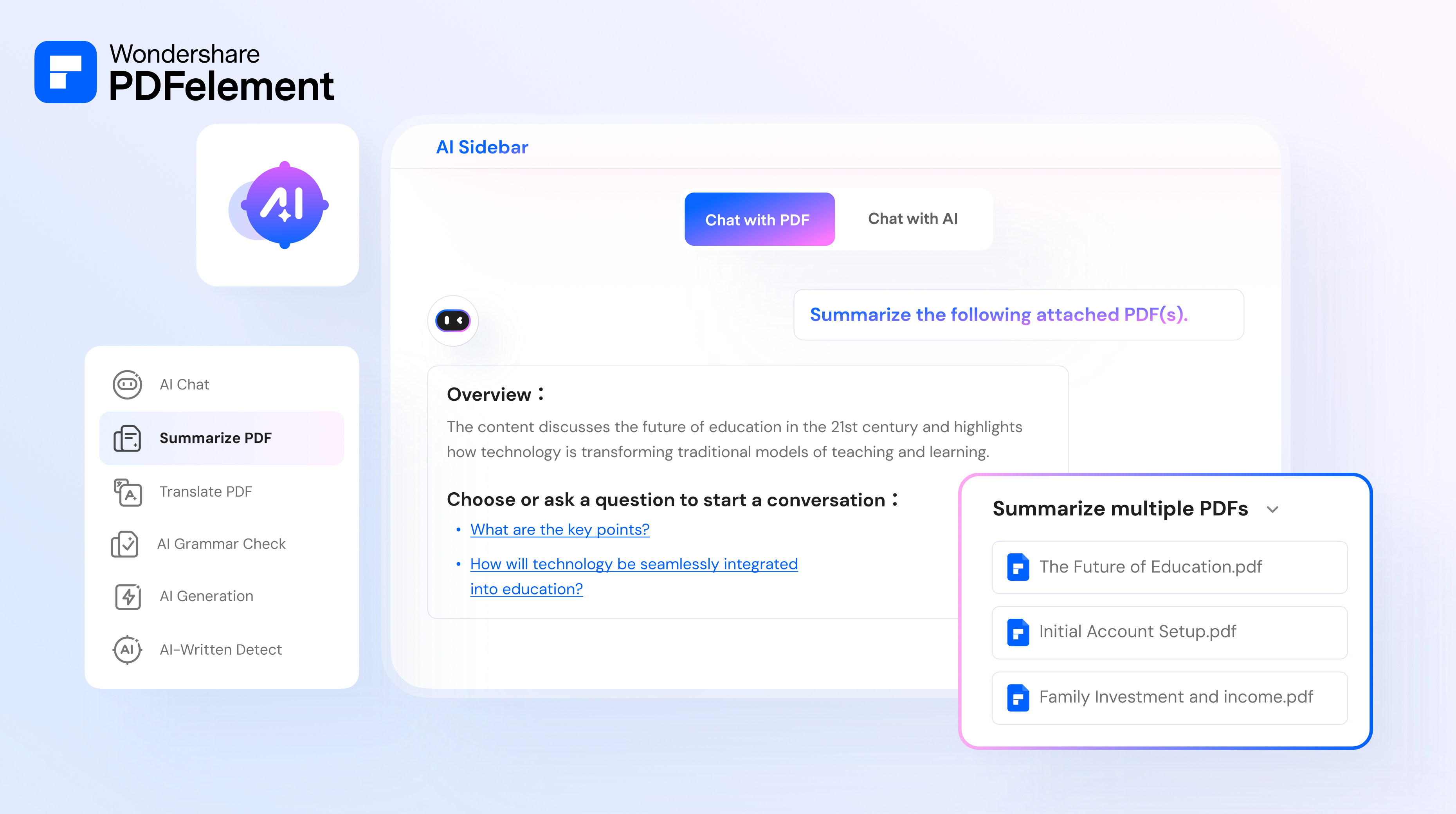
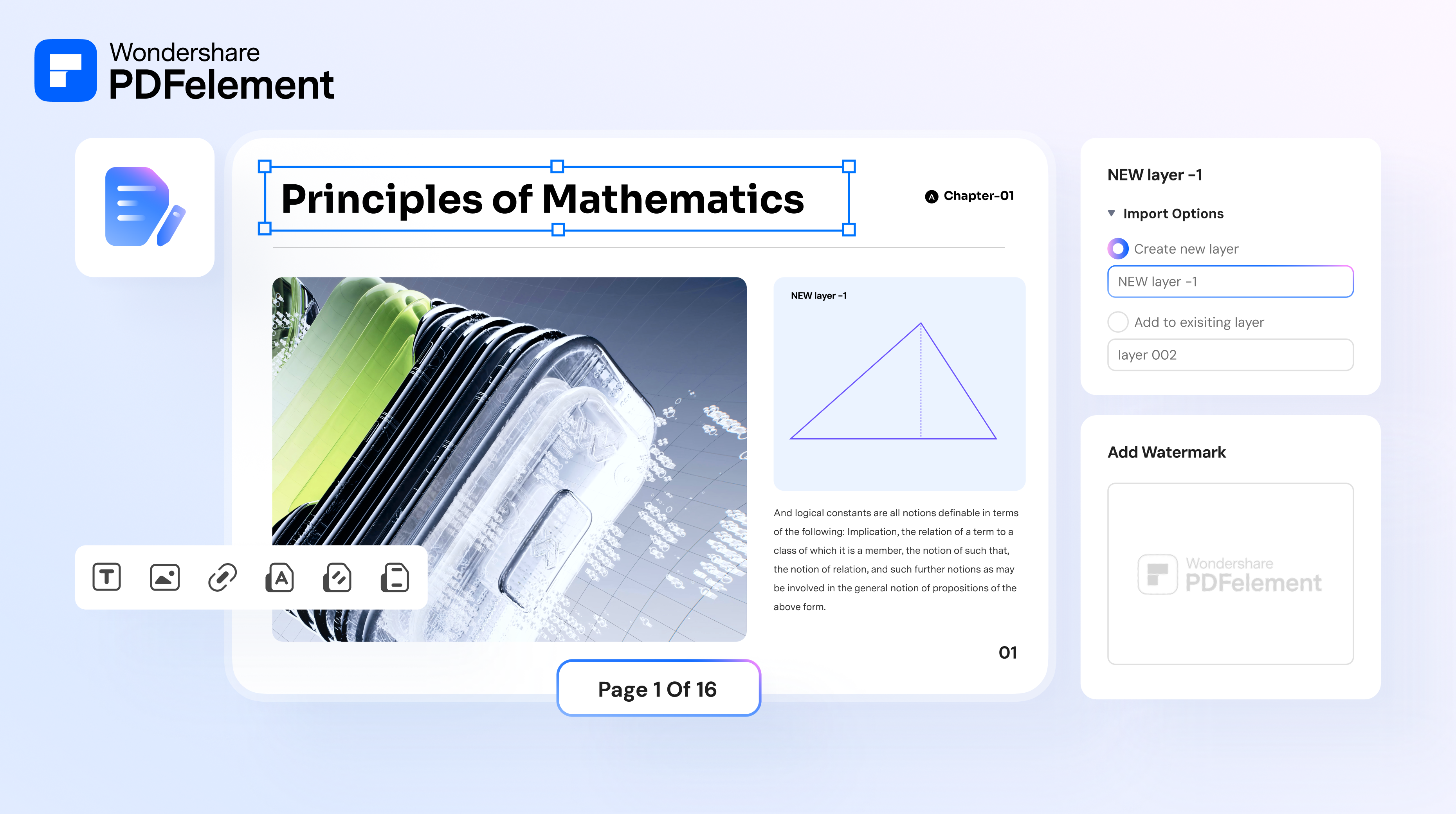
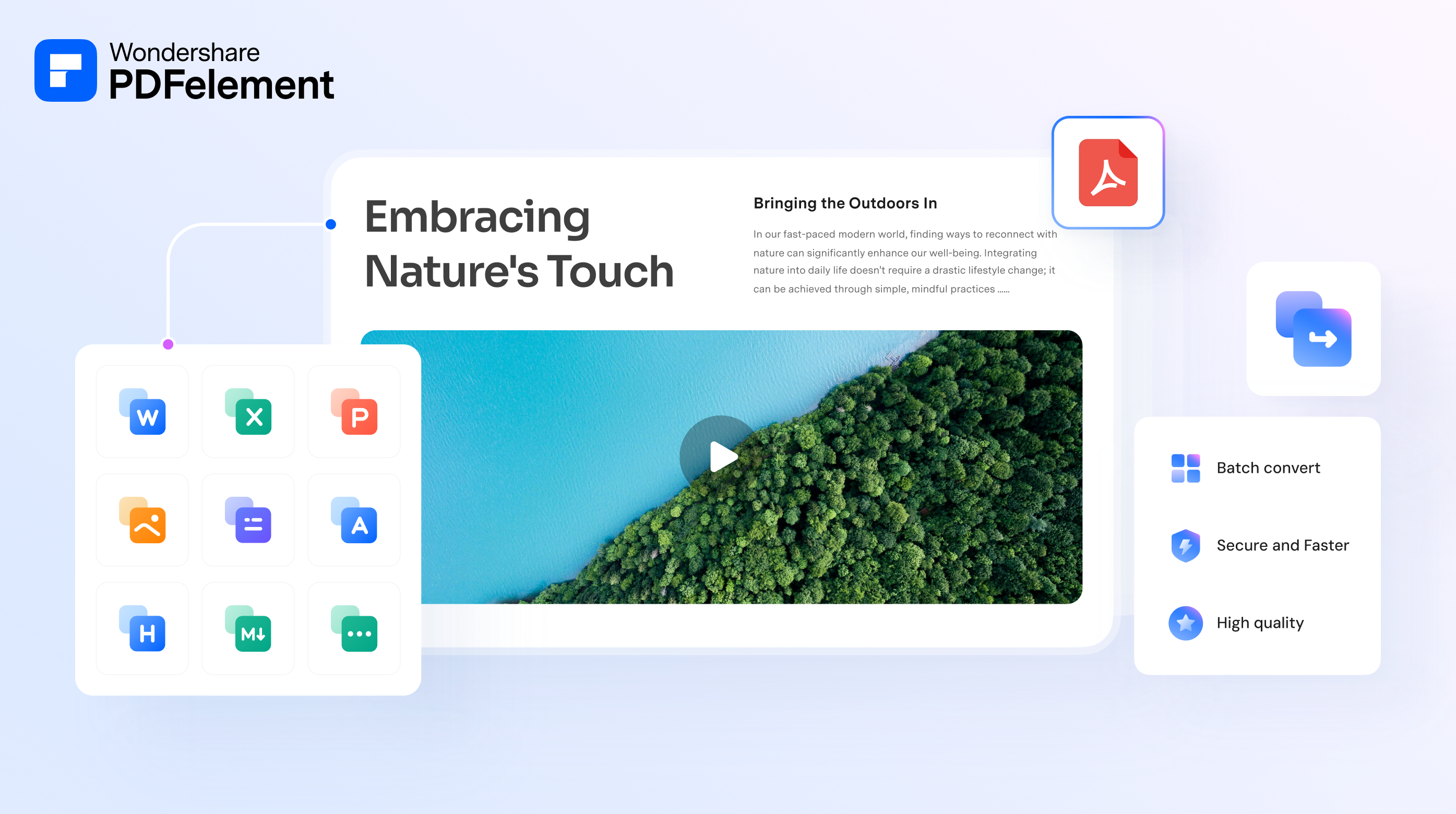
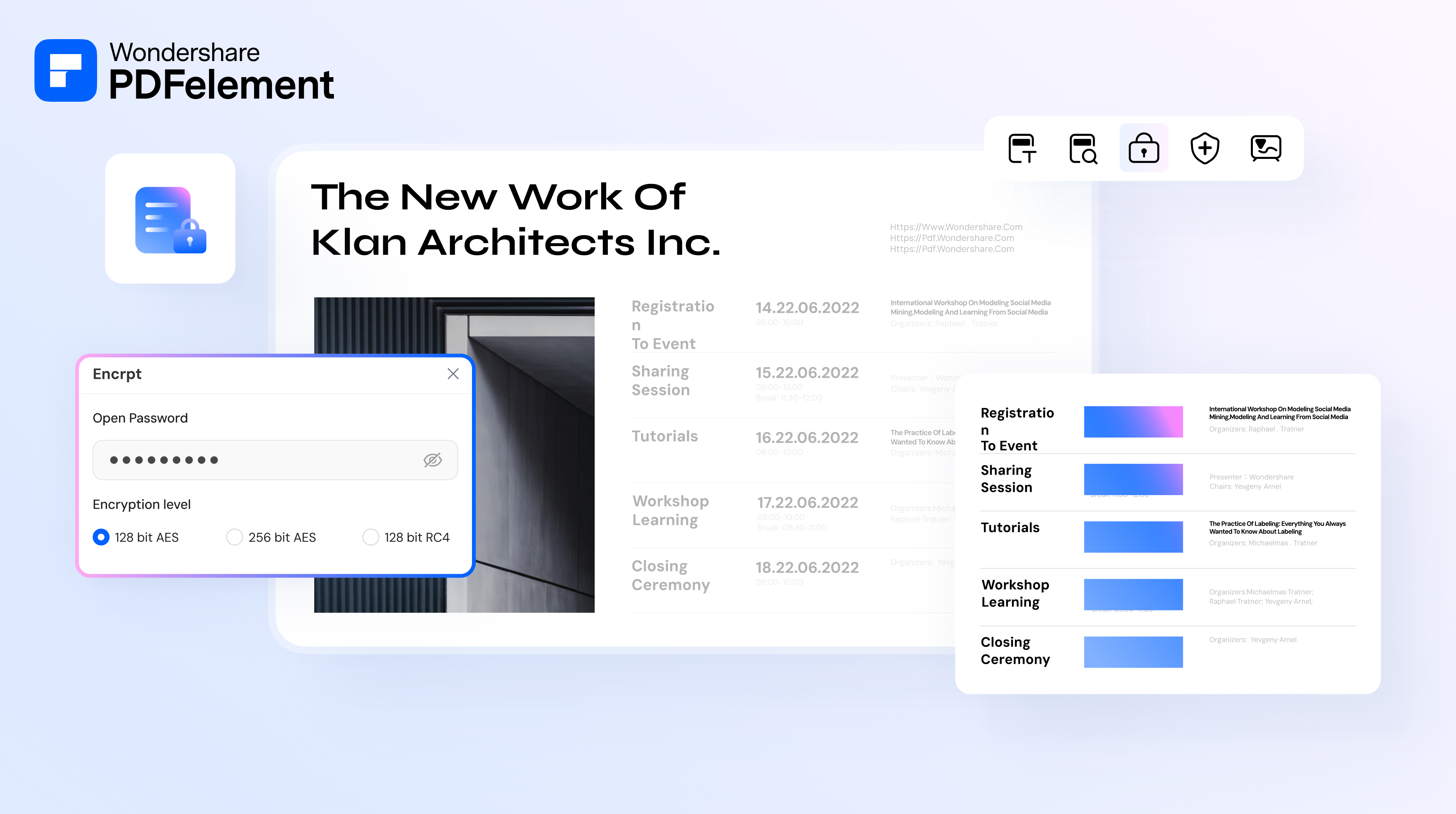
PDFelement is a cloud-based and on-premise PDF editor that enables users to create, edit, and annotate PDF files. The platform offers various features such as text editing, image insertion, and font customization. Users can utilize OCR technology to convert scanned PDFs into editable formats in various languages. It supports batch conversion between PDF and other file formats and offers tools to merge, split, and rearrange pages. The solution also provides compression for optimized storage and sharing. Additionally, PDFelement integrates AI technologies for enhanced user experience, including content summarization, translation, and grammar checking.
Screenshots


Video
Categories
Features
FAQ
The official website of PDFelement is https://pdf.wondershare.com/
PDFelement is a cloud-based and on-premise PDF editor that enables users to create, edit, and annotate PDF files. The platform offers various features such as text editing, image insertion, and font customization. Users can utilize OCR technology to convert scanned PDFs into editable formats in various languages. It supports batch conversion between PDF and other file formats and offers tools to merge, split, and rearrange pages. The solution also provides compression for optimized storage and sharing. Additionally, PDFelement integrates AI technologies for enhanced user experience, including content summarization, translation, and grammar checking.
PDFelement belongs to the OCR, Contract Management, Digital Signature, Document Management, Legal Document Management, PDF, PDF Editor, Productivity category.
PDFelement offers features such as Collaboration Tools, Data Extraction, Data Import/Export, Document Conversion, Document Management, Document Storage, Full Text Search, Zone Selection Tool, Digital Signature, Electronic Signature, Pre-built Templates, Workflow Management, Access Controls/Permissions, Data Security, File Sharing, Reminders, Document Generation, For Legal Professionals, Convert to PDF, Merge/Append Files, PDF Conversion, PDF Reader, Text Editing, Annotations, Commenting/Notes, Delete Pages, Rotate Pages, Alerts/Notifications, Task Management.
Pricing
Starting at:
USD 49
Free Trial Available
Reviews(0)
Write a reviewPDFelement alternatives

Google Docs
Web-based platform designed to store, create and edit spreadsheets, use templates, create charts, comment on documents, and more.

Google Drive
Google Drive is a cloud-based storage platform that allows users and teams to store, access, and share files in one secure place. Flexible storage options with data loss prevention features are available. Using Google AI, this solution can identify...load more

Slack
Slack is where work happens for millions of people everyday. Slack transforms how work happens by bringing AI and automation to where people are already collaborating. Go from chatting with your teams to chatting with apps and data. Break down...load more

Trello
Trello is a visual project management tool favored by small businesses in marketing, IT services, and design. Its intuitive Kanban boards and drag-and-drop tasks make organizing work simple. Users highlight its ease of use and collaboration...load more

Dropbox Business
Dropbox Business is the secure file sharing and storage solution that employees love and IT admins trust. Start a free trial today!

Microsoft PowerPoint
PowerPoint is a Microsoft on-premise presentation solution that lets professionals create, edit and share slides with team members, external clients and other stakeholders. Administrators can track changes made by team members and insert embedded...load more

Microsoft Excel
Microsoft Excel is a productivity tool for creating spreadsheets, and for performing statistics and analysis. It features over 100 functions and more than 235 built-in formulas, 1D and 2D charting, pivot tables for cross-tabulation analysis,...load more

Salesforce Sales Cloud
Build a customer 360 with a CRM that is deeply integrated across sales, service, marketing, commerce, and more with trusted AI, data, analytics, and collaboration in one integrated solution. Discover how Einstein 1 helps you become an AI Enterprise...load more

Google Workspace
Google Workspace's word processing for teams. Work on a single document with team members or people outside your company. See edits as others type, communicate through built-in chat and ask questions by including comments. Create, edit and share...load more

Jira
Jira is particularly well suited to software development and agile teams. Its versatility, however, extends beyond software development to product management, IT operations, and customer support, and it offers robust issue tracking and task...load more