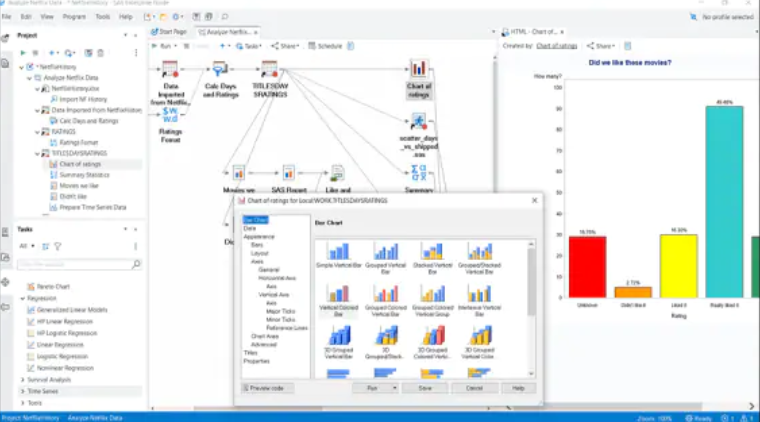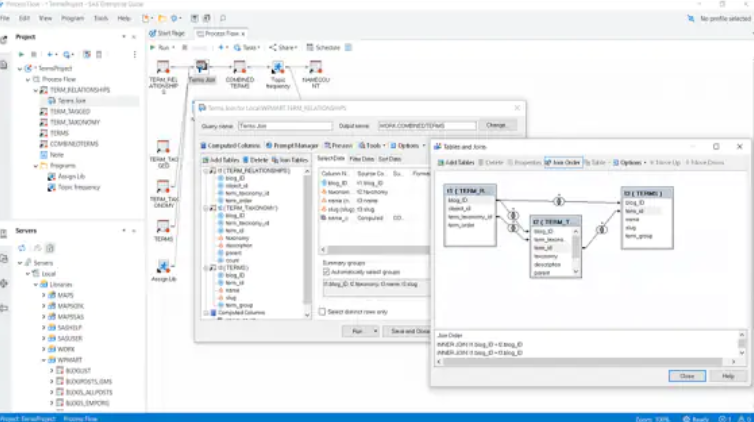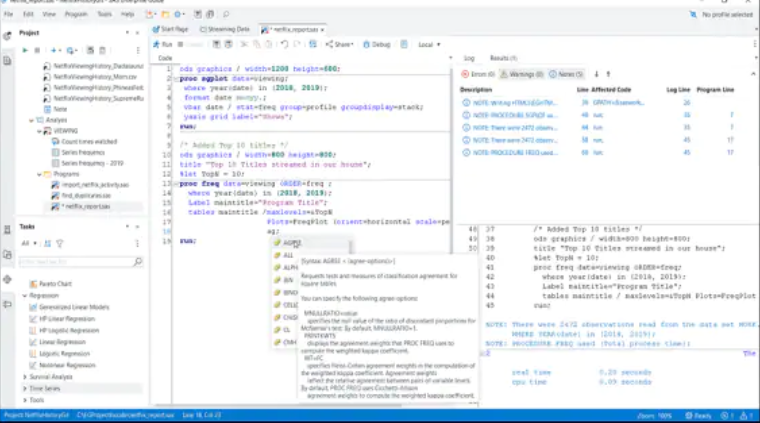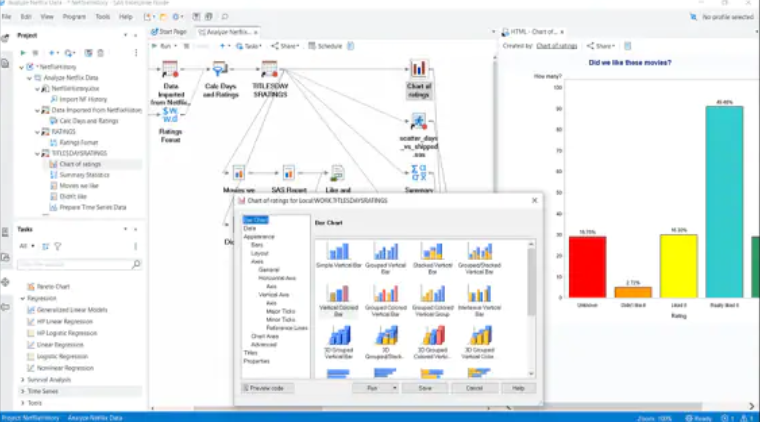
SAS Enterprise Guide
SAS Enterprise Guide delivers a broad range of intuitive and graphical tools to help business analysts achieve results.
What is SAS Enterprise Guide?
SAS Enterprise Guide delivers a broad range of intuitive and graphical tools to help business analysts achieve the results view pertinent performance metrics. The system includes both tabular and graphical modeling and forecasting functions, making it ideal for use with both unstructured data and structured data sources.
Screenshots


Categories
Features
FAQ
The official website of SAS Enterprise Guide is https://www.sas.com/en_us/home.html
SAS Enterprise Guide delivers a broad range of intuitive and graphical tools to help business analysts achieve the results view pertinent performance metrics. The system includes both tabular and graphical modeling and forecasting functions, making it ideal for use with both unstructured data and structured data sources.
SAS Enterprise Guide belongs to the Data Analysis, Data Management, Data Visualization, IT Project Management, Reporting category.
SAS Enterprise Guide offers features such as Dashboard, Data Connectors, Data Discovery, Data Visualization, Reporting/Analytics, Self Service Data Preparation, Data Capture and Transfer, Data Import/Export, Data Security, Data Synchronization, Dashboard Creation, Data Management, Reporting & Statistics, Drag & Drop, Workflow Management, Performance Metrics.
No, SAS Enterprise Guide does not offer a free trial.
Pricing
Pricing not available
Reviews(0)
Write a reviewSAS Enterprise Guide alternatives

PayPal
PayPal helps businesses manage digital payments, invoicing, and mobile transactions across eCommerce and service workflows. Its most used by marketing, IT services, and retail teams. Reviewers highlight its mobile access and real-time alerts, but...load more

Jira
Jira is particularly well suited to software development and agile teams. Its versatility, however, extends beyond software development to product management, IT operations, and customer support, and it offers robust issue tracking and task...load more

Canva
Canva helps small businesses create branded visuals quickly using editable templates and AI-powered design tools. Its most used by marketing, design, and admin teams in SMBs that need fast, repeatable content. Reviewers highlight its ease of use and...load more

Wix
Wix empowers small businesses to build and manage websites quickly. Most users rely on it for designing, blogging, and marketing. Its drag-and-drop editor and mobile access stand out for ease of use, while limitations in SEO and advanced...load more

Google Analytics 360
Google Analytics 360 is an enterprise-level analytics platform with in-depth performance indicators, such as ROI analysis reports. The app's primary function is to provide insights into customer behavior interactions with websites and apps to...load more

ClickUp
ClickUp helps small businesses manage tasks, projects, and workflows with customizable views and automation tools. Its most used by marketing, IT services, and software services teams. Reviewers value its flexibility and collaboration features,...load more

Smartsheet
Smartsheet helps small and midsize businesses manage projects, tasks, and workflows using a spreadsheet-style interface. Its most used by administrative and IT teams for daily collaboration and task tracking. Reviewers highlight its form creation...load more

Visio
Visio helps teams build flowcharts, diagrams, and process maps for planning and documentation. Its popular among small businesses and IT pros for its drag-and-drop interface and Microsoft 365 integrations. Top-rated features include diagramming and...load more

Wrike
Wrike is a project management platform used by small businesses in IT services, marketing, and education to manage tasks, workflows, and timelines. Users highlight its dashboards and collaboration tools as standout features, while some cite a steep...load more